













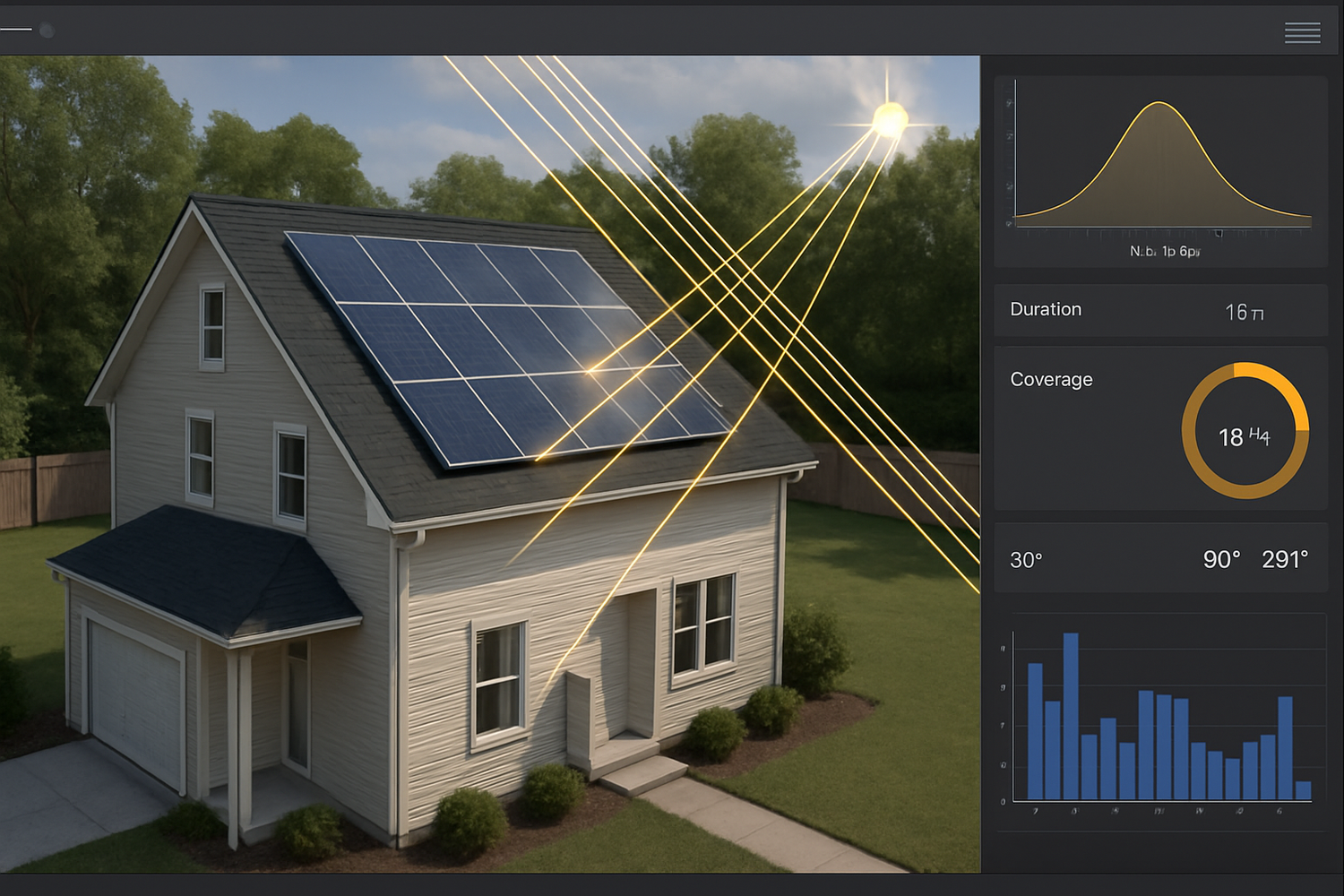
Rooftop solar is becoming more common—and so are visual impact concerns. While panels generally absorb light, reflections can occur. Using glare simulation tools replaces guesswork with precision, helping you predict and prevent potential issues before they arise.

Why Glare Simulation Is Crucial
Instead of scrambling after complaints arise, proactive simulation lets you anticipate potential reflections and address them early—before any objections to HOA boards or local planning authorities occur.
Glint vs. Glare
Glint is a momentary flash—say from a brief sun glinting off a panel. Glare is a sustained, glaring reflection that can impair vision or irritate observers. Good simulations distinguish these, helping stakeholders understand real-world impact.
Regulatory and Safety Importance
Glare studies are often mandatory for installations near flight paths, busy roads, or in dense neighborhoods. Optional but recommended for residential installations, the data reassures communities and accelerates permitting. Simulation tools produce the technical documentation needed for these approvals. For more on glint/glare policy, see a recent glare assessment overview and best-practice guidelines in the UK's glint and glare study.
What Makes a Good Simulator
- Sun path & 3D modeling: Must model sun angles and nearby terrain or buildings to identify sensitive receptors like windows or streets.
- Custom PV layout input: Define tilt, azimuth, reflectivity, and panel dimensions accurately.
- Receptor analysis & reporting: Output should highlight which receptors see glare, when, and for how long—preferably with visual supports like color-coded timelines.
Types of Simulation Tools
- Standalone Simulation Software: Used in utility projects or complex sites; delivers exhaustive glare analyses but requires training.
- Integrated Design Software: Common in solar design suites; provides glare modules for residential or commercial layouts with user-friendly interfaces.
- Open-source or Custom Tools: Suitable for developers or researchers who need full control; extremely flexible but demands advanced skills.
| Tool Type | Use Case | Ease of Use | Reporting Depth | Cost |
|---|---|---|---|---|
| Standalone Software | Complex or regulatory-heavy sites | Low | High | High |
| Integrated Software | Residential & commercial roofs | High | Moderate to High | Subscription |
| Open-source/Custom | R&D or custom use | Low | Variable | Low/None |
How a Simulation Workflow Unfolds
- Project Setup: Input address, import terrain data, and model the rooftop and surroundings in 3D.
- PV Configuration: Position panels; define dimensions, tilt, orientation, surface reflectivity.
- Receptor Definition: Identify sensitive viewing points such as nearby windows, roads—especially critical near airports.
- Run Simulation: Analyze sun paths across the year, generate glare reports indicating when and where reflections occur, often visualized by charts or calendars.
Converting Glare into Insight
Glare simulation transforms visual concerns into understandable, data-driven discussions. It helps you refine designs—perhaps adjusting tilt or panel spacing—to mitigate glare, then confidently show stakeholders precisely what to expect and how visual impact was controlled from the start.
Authorities like the International Renewable Energy Agency (IRENA) encourage thorough pre-installation evaluations to optimize project performance and community acceptance—principles that scale from utility-level arrays to individual rooftops.
Disclaimer: For legal or compliance advice, consult local professionals. This is meant to inform—not to substitute expert guidance.


Leave a comment
All comments are moderated before being published.
This site is protected by hCaptcha and the hCaptcha Privacy Policy and Terms of Service apply.