






















Building your own LiFePO4 battery pack is a significant step toward energy independence. But before you connect it to your system, verification is critical. Proper testing ensures each cell performs as expected, guaranteeing the pack's safety, reliability, and longevity. This process relies on two essential tools: the digital multimeter and the Battery Management System (BMS). Using them together provides a complete picture of your battery's health.
Foundational Checks: What to Do Before You Test
Before connecting any instruments, a thorough preliminary inspection can reveal immediate issues and ensure a safe testing environment. Rushing this stage can lead to inaccurate readings or safety hazards.
Safety First: Preparing Your Workspace
Always prioritize safety. Work in a clean, dry, and well-ventilated area. Use insulated tools to prevent accidental short circuits. Personal protective equipment, such as safety glasses and insulated gloves, is non-negotiable when working with battery terminals. Ensure you have a clear plan for what you are testing and the expected outcomes.
Visual Inspection: The First Line of Defense
Your first diagnostic tool is your eyes. Carefully examine the battery pack. Look for any signs of physical damage to the cells or casing, such as dents, scratches, or swelling. Check for corrosion on the terminals, which can impede electrical flow and indicate moisture exposure. Inspect all wiring and connections for tightness and integrity. A loose connection can cause significant performance issues and is a potential fire hazard.
Using a Multimeter for Core Health Diagnostics
A digital multimeter is indispensable for getting direct, accurate electrical measurements from your battery pack. It provides a real-time snapshot of your battery's voltage, which is a primary indicator of its state of charge and health.
Measuring Total Pack Voltage
Set your multimeter to the DC Voltage setting, ensuring the range is appropriate for your pack's nominal voltage (e.g., 12V, 24V, 48V). Connect the red probe to the main positive terminal of the battery pack and the black probe to the main negative terminal. The reading you see is the total pack voltage. This figure helps you confirm the pack's overall state of charge and tells you if it's within its normal operating range.
Checking Individual Cell Voltages
This is the most critical multimeter test for a new or suspect battery pack. You need to measure the voltage of each individual cell (or parallel group of cells). Carefully touch the multimeter probes to the positive and negative terminals of each cell in sequence. Record each reading meticulously. This process reveals the balance across the pack. A study from the International Renewable Energy Agency (IRENA), Electrification with renewables: Enhancing healthcare delivery in Mozambique, highlights that component quality and lifespan are critical for system reliability, and this begins at the cellular level.
Identifying Imbalances and Dead Cells
After recording all cell voltages, compare them. In a healthy, balanced pack, all cell voltages should be very close to one another, typically within 0.05 volts. A significant deviation in one cell's voltage indicates an issue. A cell with a much lower voltage might be undercharged, damaged, or failing. A reading of zero volts indicates a dead cell that must be addressed before the pack is used. Consistent cell balance is fundamental to achieving the high performance described in the ultimate reference for solar storage performance, as it ensures the entire pack can be charged and discharged effectively.
| LiFePO4 Cell Voltage | Approximate State of Charge (SoC) |
|---|---|
| 3.65 V | 100% (fully charged) |
| 3.40 V | 90% |
| 3.30 V | 70% |
| 3.20 V | 40% |
| 3.10 V | 20% |
| 2.50 V | 0% (fully discharged) |
Leveraging the BMS for Deeper Insights
If the multimeter gives you a snapshot, the Battery Management System (BMS) provides the full-length film. It is the pack's onboard brain, continuously monitoring and protecting it.
What Your BMS Tells You
The BMS is designed to protect the battery from over-charging, over-discharging, extreme temperatures, and short circuits. Crucially for verification, it also monitors the voltage of every individual cell in real-time. This continuous oversight is something a multimeter cannot provide. The International Electrotechnical Commission (IEC) has numerous standards, like IEC 62257-8-1, that underscore the importance of battery management systems in stand-alone electrification systems.
Accessing BMS Data
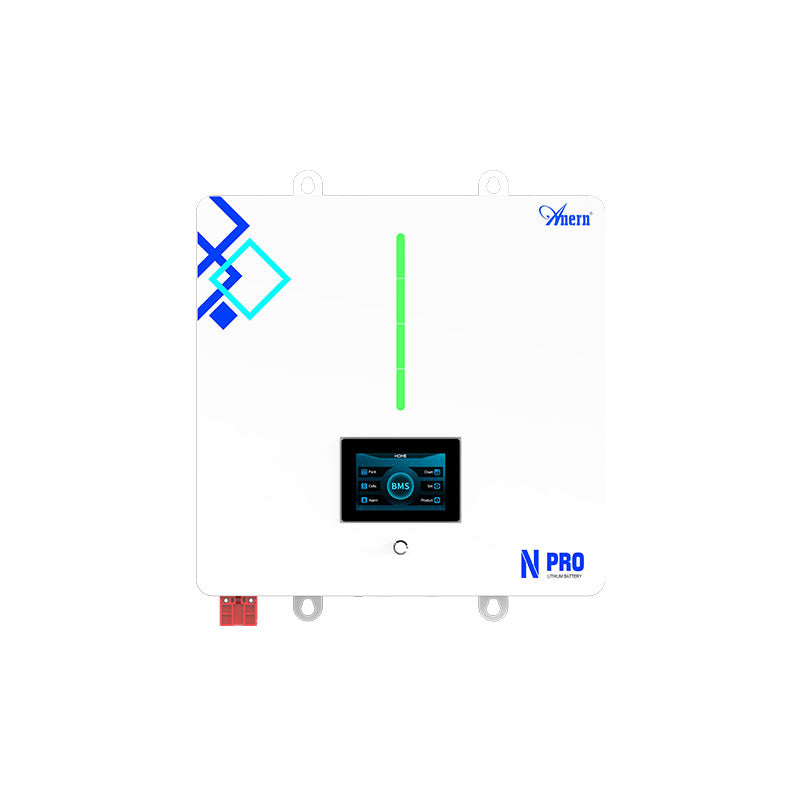
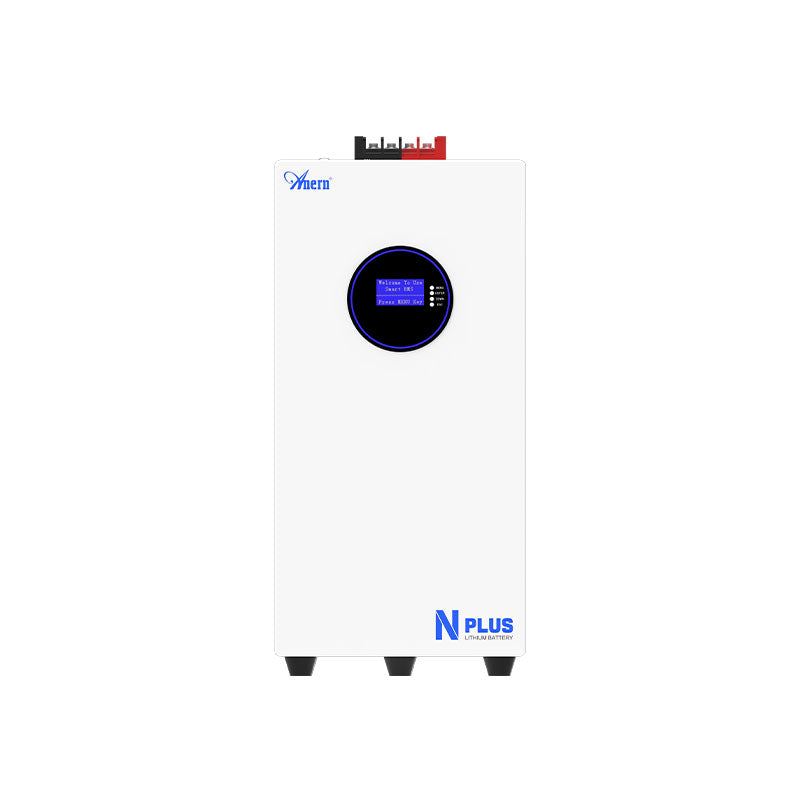
Most modern BMS units offer a way to view their data. This is commonly done through a Bluetooth connection to a smartphone app, a dedicated LCD screen, or a wired connection to a computer. This interface provides a wealth of information, often presented in a user-friendly graphical format, showing all cell voltages simultaneously, pack temperature, and current flow.
Key BMS Parameters to Scrutinize
When you access your BMS, focus on the cell voltage screen. Look at the minimum and maximum cell voltages and the difference between them (the delta). A small delta indicates a well-balanced pack. Also, check for any fault codes or alerts. The BMS may flag issues like over-voltage, under-voltage, or high temperatures that require your attention. According to the International Energy Agency's report, The Role of Critical Minerals in Clean Energy Transitions, efficient battery management and design are key to a sustainable energy future, and the data from a BMS is central to this effort.
A Comprehensive Verification Approach
True confidence in your LiFePO4 pack comes from using both the multimeter and the BMS together. This dual approach allows you to cross-verify information and ensure every component is working correctly.
Cross-Verification for Unquestionable Accuracy
The multimeter provides a direct, unfiltered physical measurement. Use it to confirm that the readings reported by your BMS are accurate. For example, measure cell 3 with your multimeter and compare the reading to what the BMS app shows for cell 3. If the numbers match, you can trust your BMS is calibrated correctly. If they differ significantly, it may point to a problem with the BMS wiring or the unit itself.
A Practical Verification Workflow
Follow this simple but effective process for any new or reconfigured LiFePO4 pack:
- Visual Check: Inspect the pack for any physical damage, loose wires, or corrosion.
- Multimeter - Total Voltage: Measure the main positive and negative terminals to confirm the overall state of charge.
- Multimeter - Individual Cells: Measure each cell's voltage and note any significant deviations.
- BMS Data Review: Connect to your BMS and review its cell voltage readings, temperature data, and any fault codes.
- Cross-Reference: Compare the multimeter's cell readings with the BMS's reported values to confirm the BMS is accurate.
Building a Foundation of Reliability
Verifying your LiFePO4 battery pack with a multimeter and BMS is not just a technical formality; it's a foundational step in building a resilient and long-lasting energy storage solution. This process empowers you to catch potential problems early, ensure optimal performance, and protect your investment. By combining direct measurements with intelligent monitoring, you create a system you can depend on, bringing you closer to true energy independence.
Frequently Asked Questions
What is a healthy voltage for a LiFePO4 cell?
A single LiFePO4 cell is considered fully charged at around 3.65V and fully discharged at approximately 2.5V. A nominal or 'resting' voltage is typically around 3.2V to 3.3V.
How much voltage difference between cells is acceptable?
For a healthy, well-balanced pack, the voltage difference between the highest and lowest cell should be minimal, ideally less than 0.05V (50mV). A larger difference suggests an imbalance that the BMS will need to correct or that may require manual top-balancing.
Can I fix a single bad cell in a LiFePO4 pack?
Yes, one of the advantages of DIY packs is their modularity. If you identify a single faulty cell, it can often be carefully removed and replaced. You must ensure the replacement cell is of the same capacity and chemistry and is balanced to the voltage of the other cells before integration.
Does the BMS balance the cells automatically?
Most BMS units have a balancing function. This function typically activates during the final stage of charging, bleeding a small amount of energy from higher-voltage cells to allow lower-voltage cells to catch up. The effectiveness and balancing current can vary between different BMS models.
