


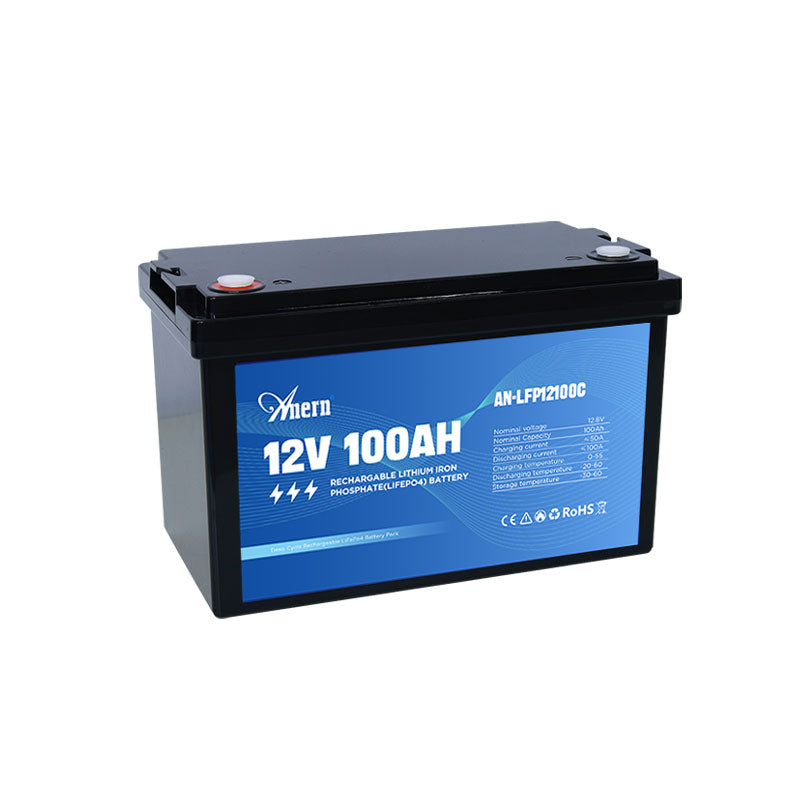
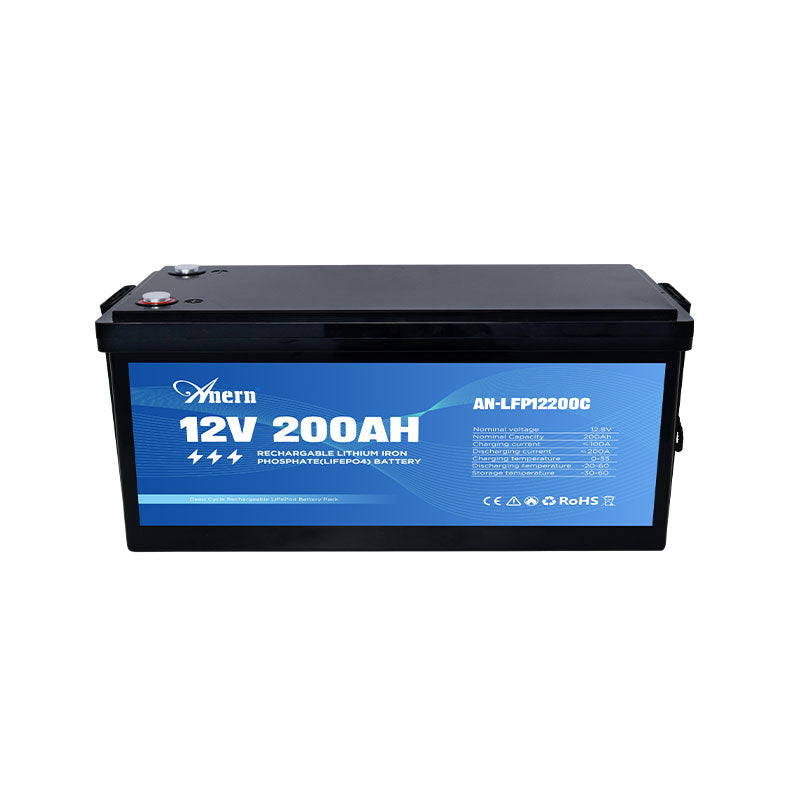
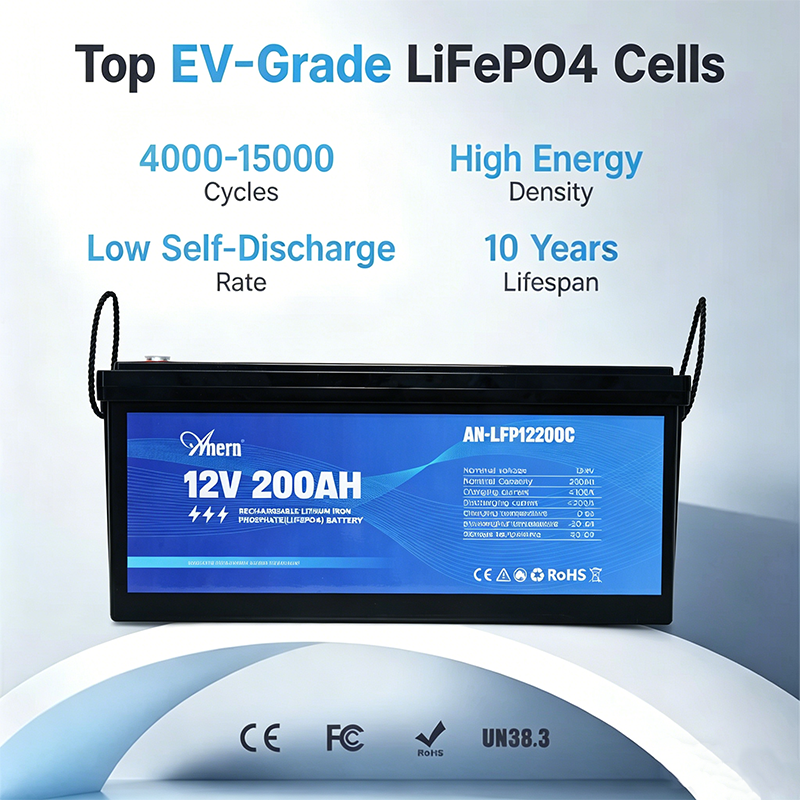

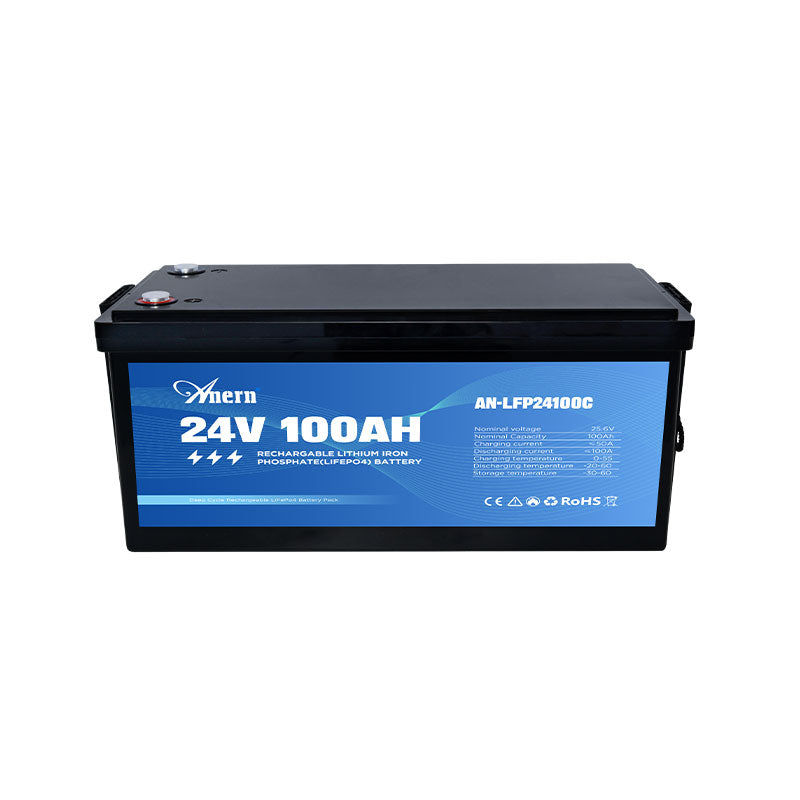
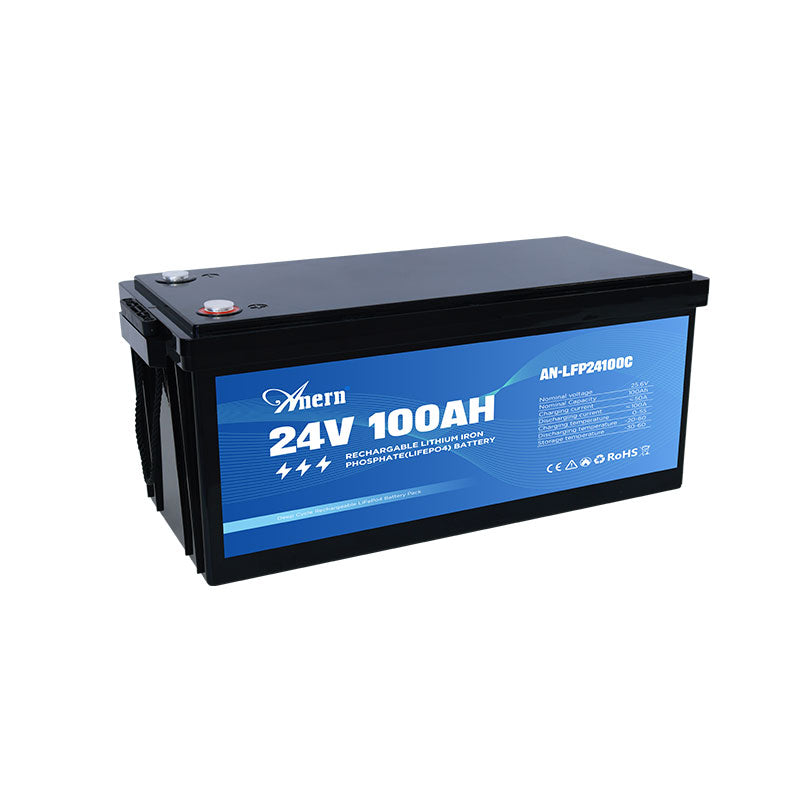



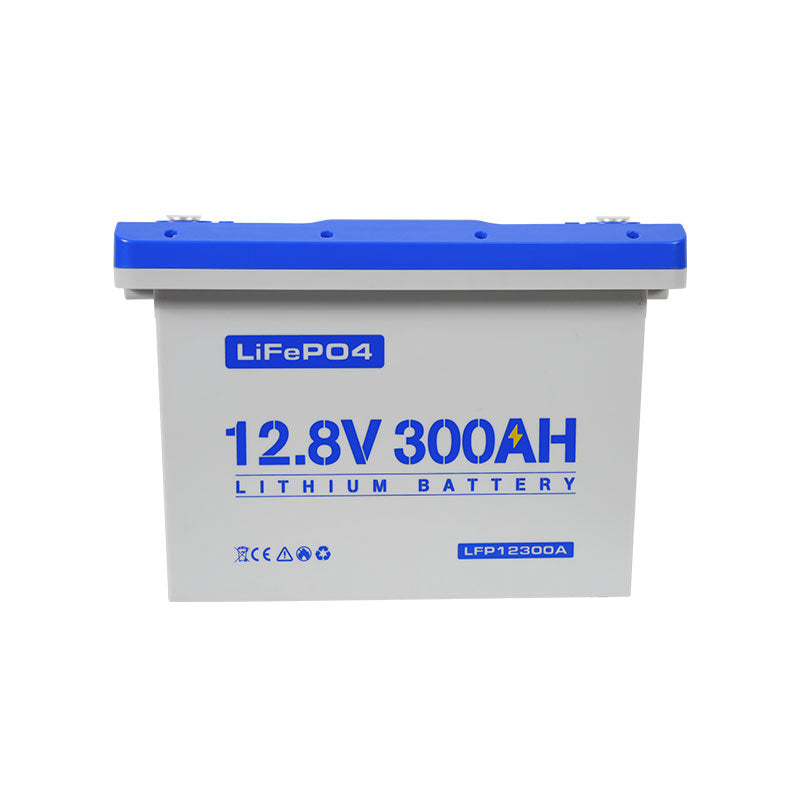
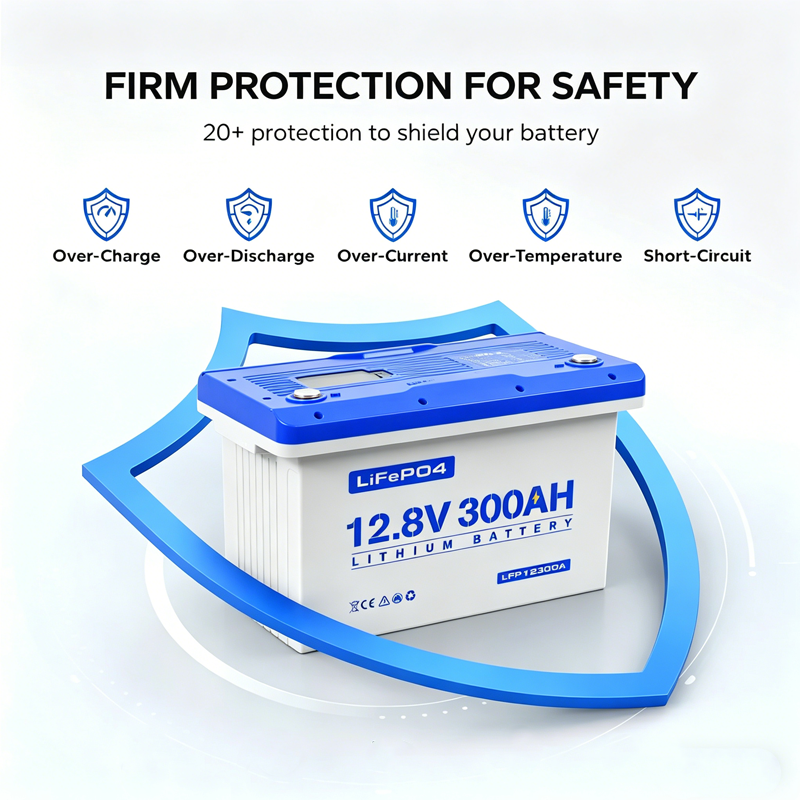

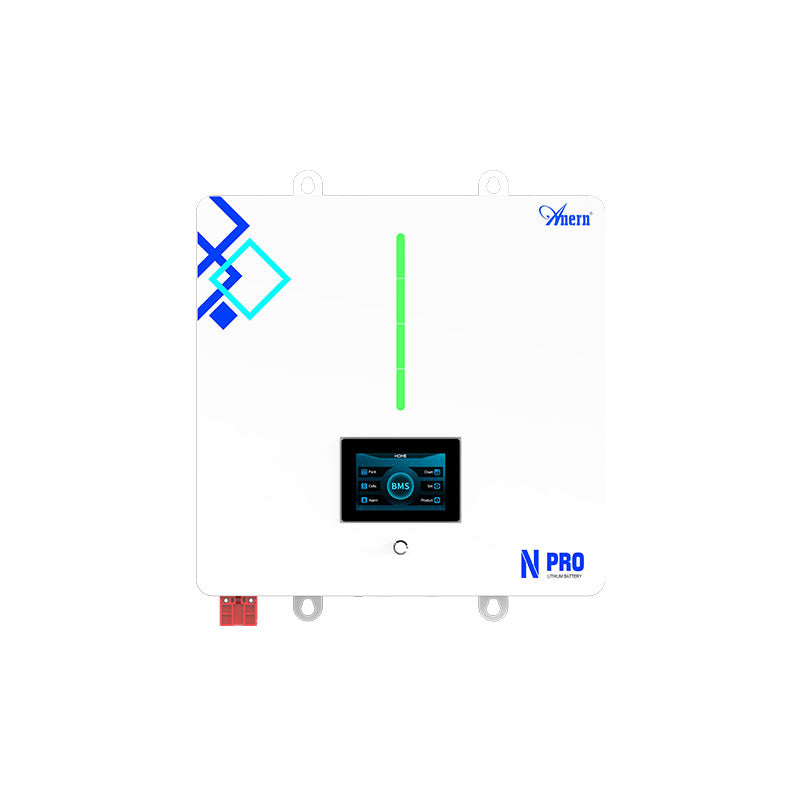
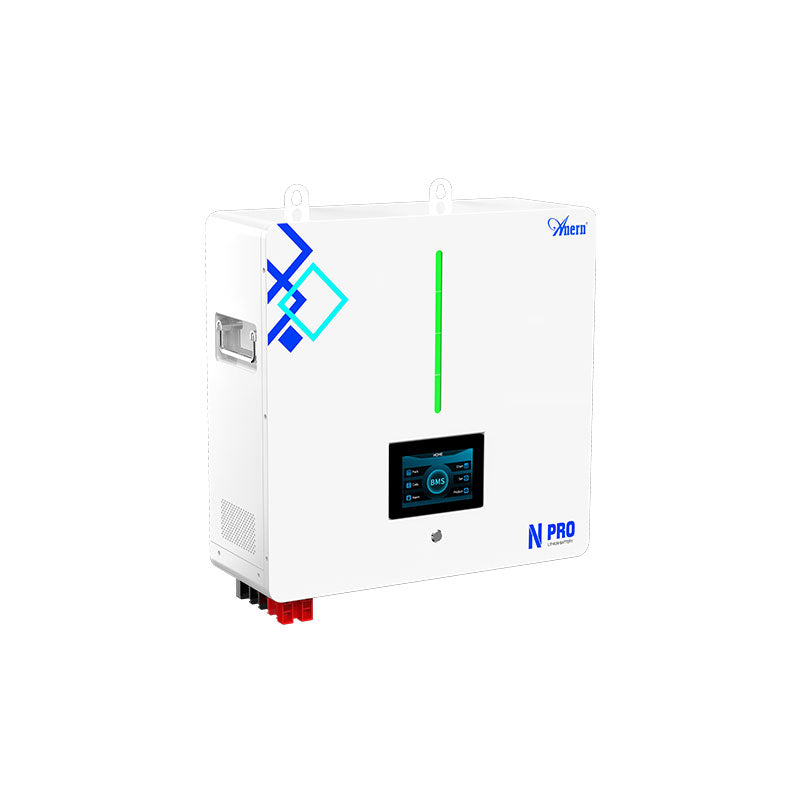
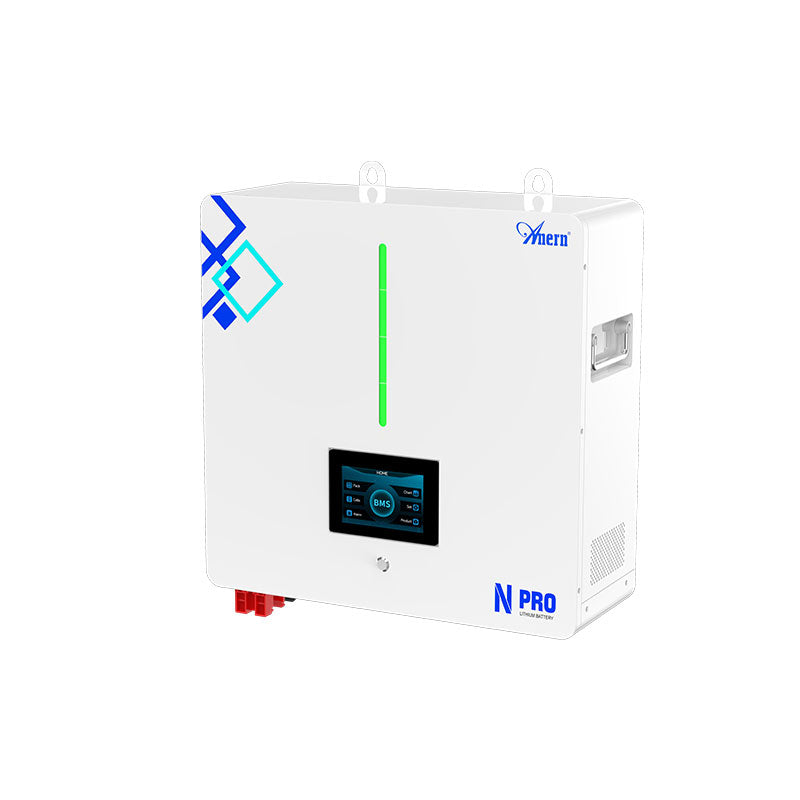

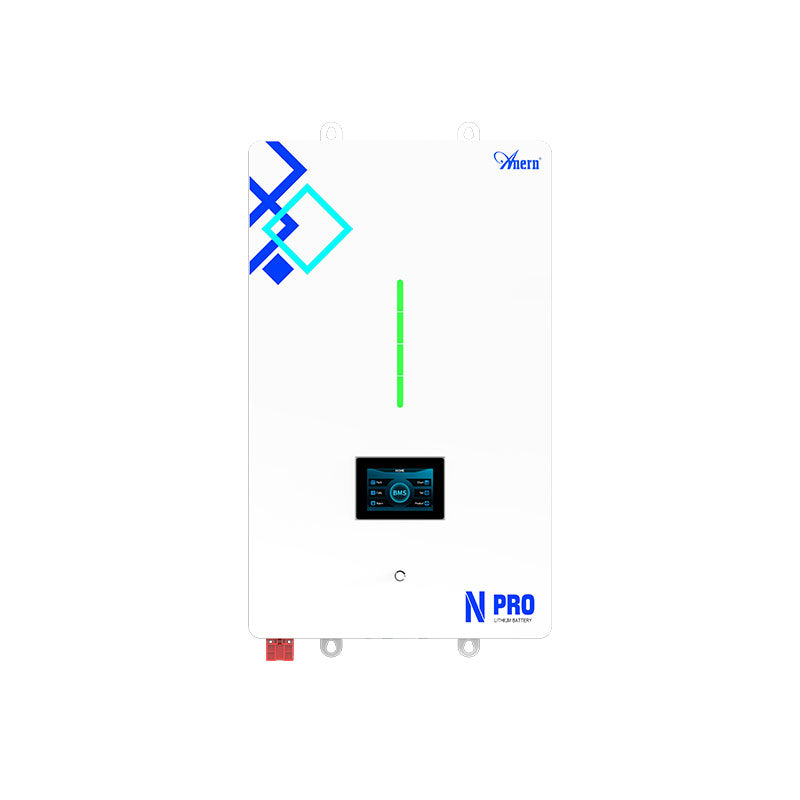
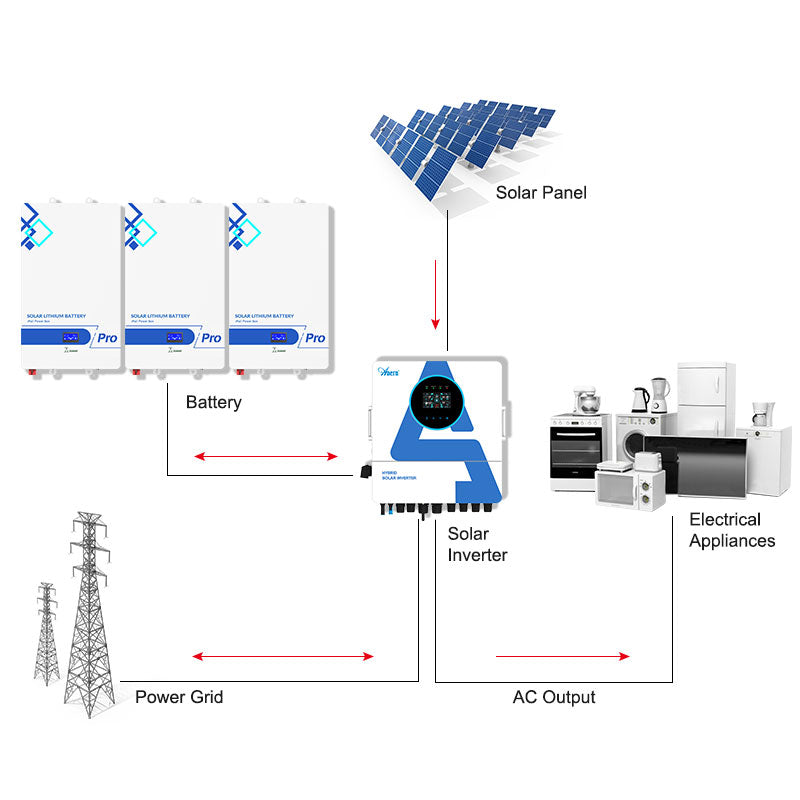
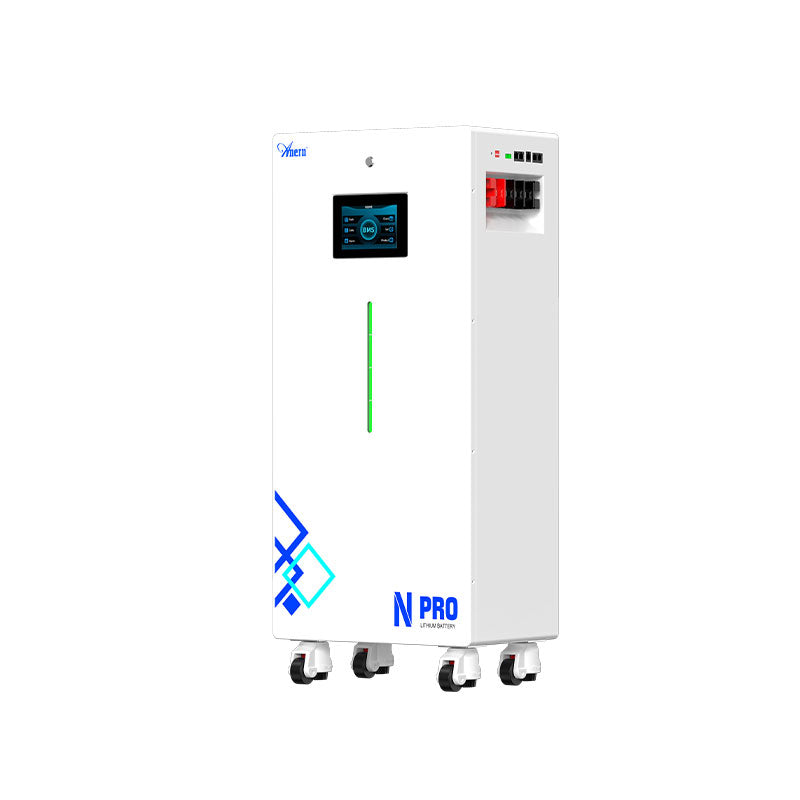


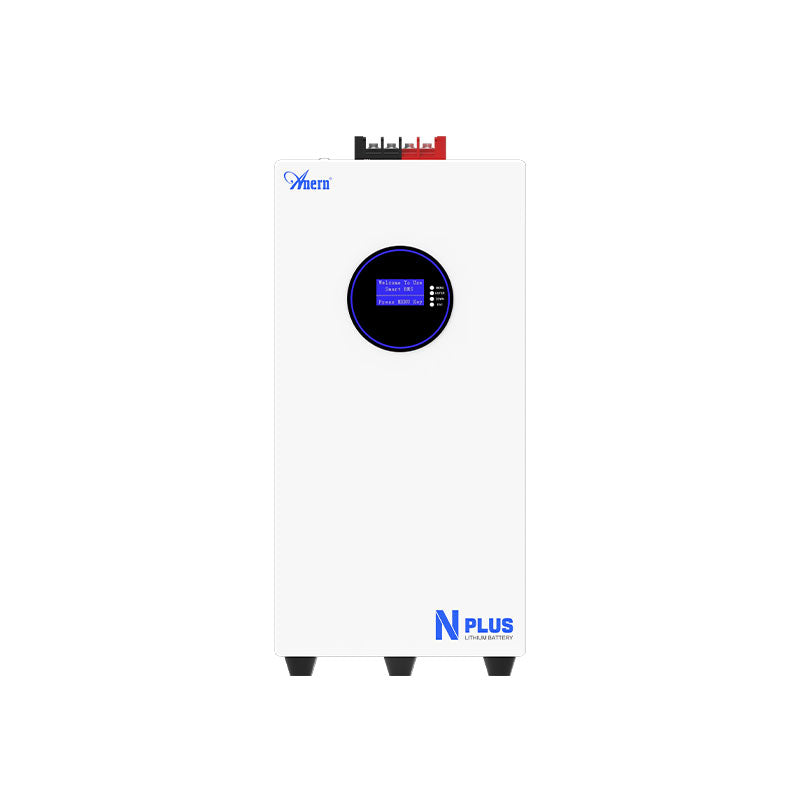
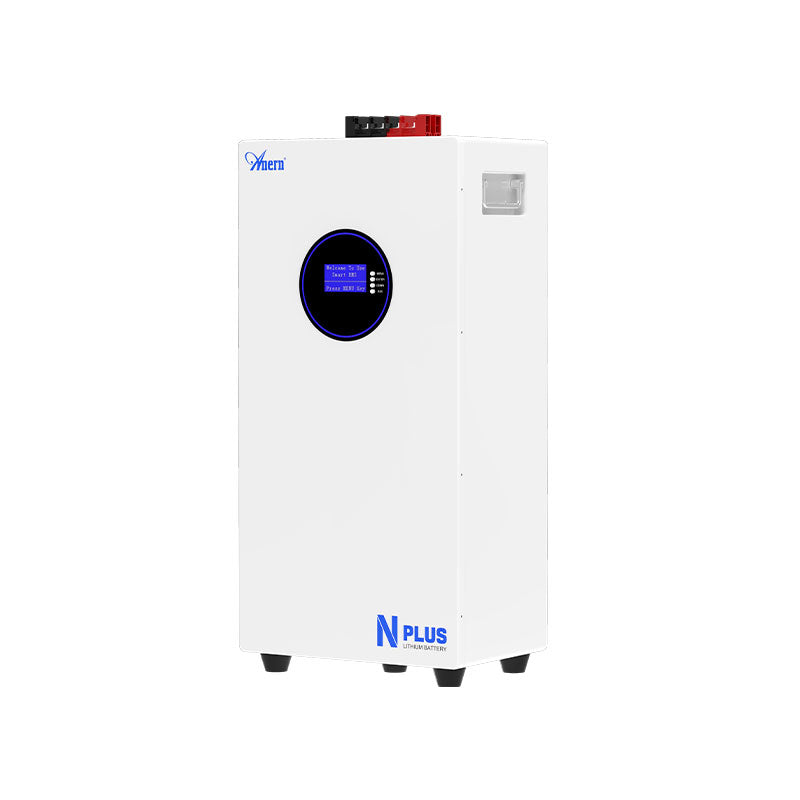
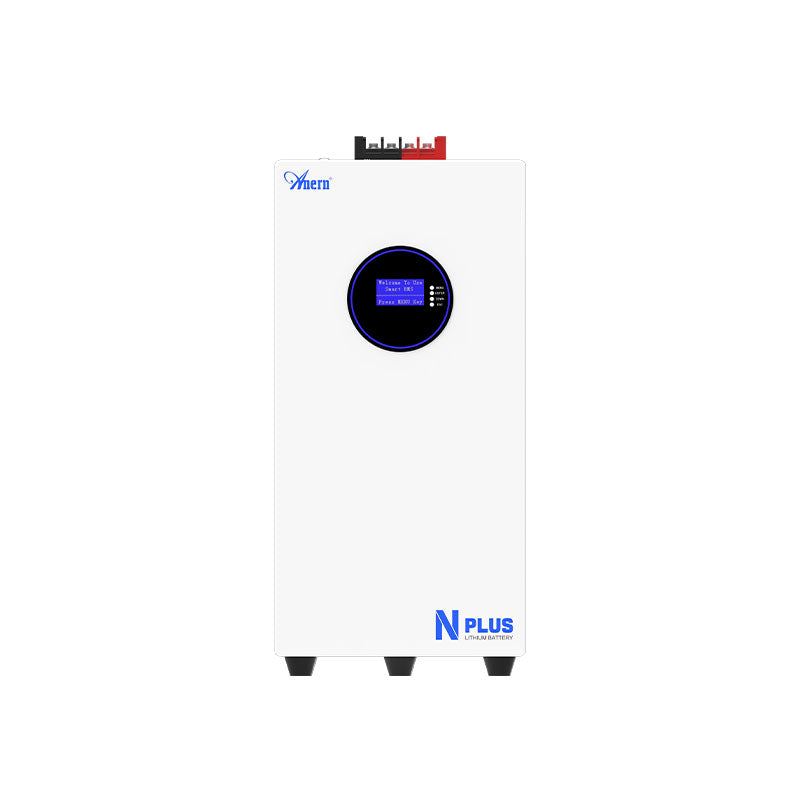
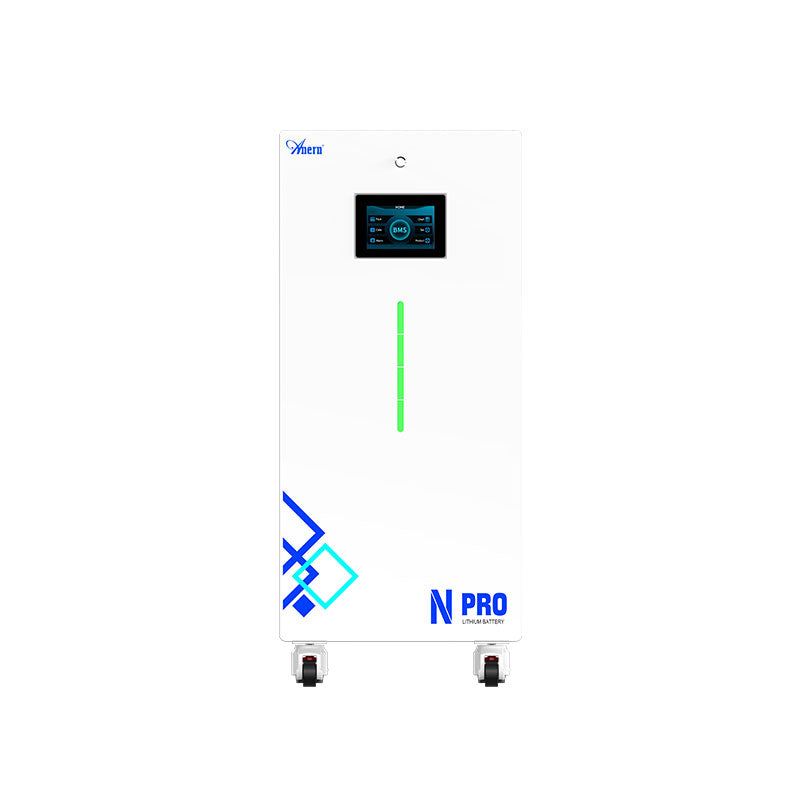

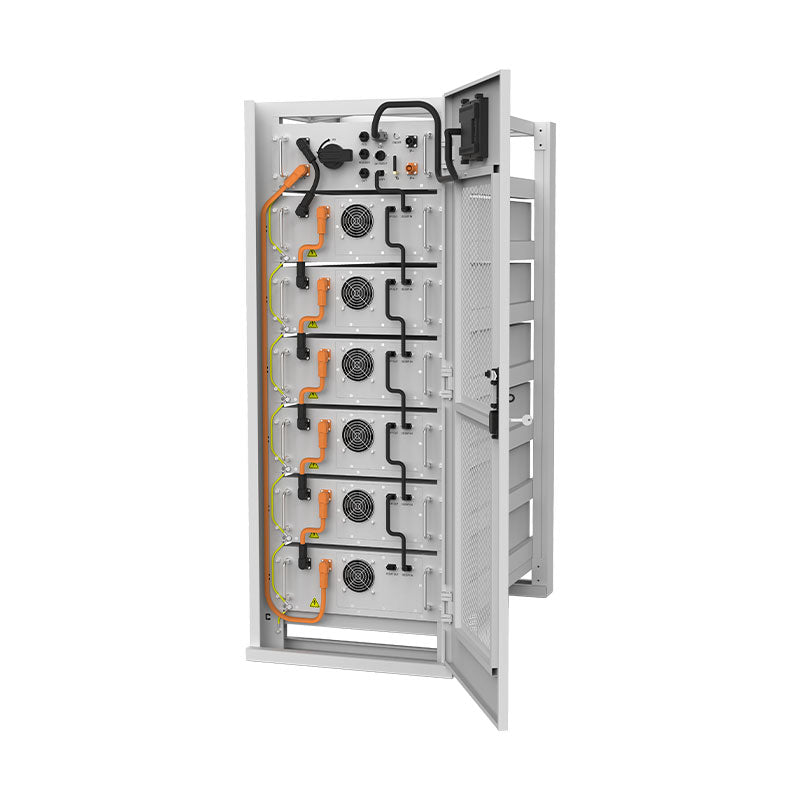
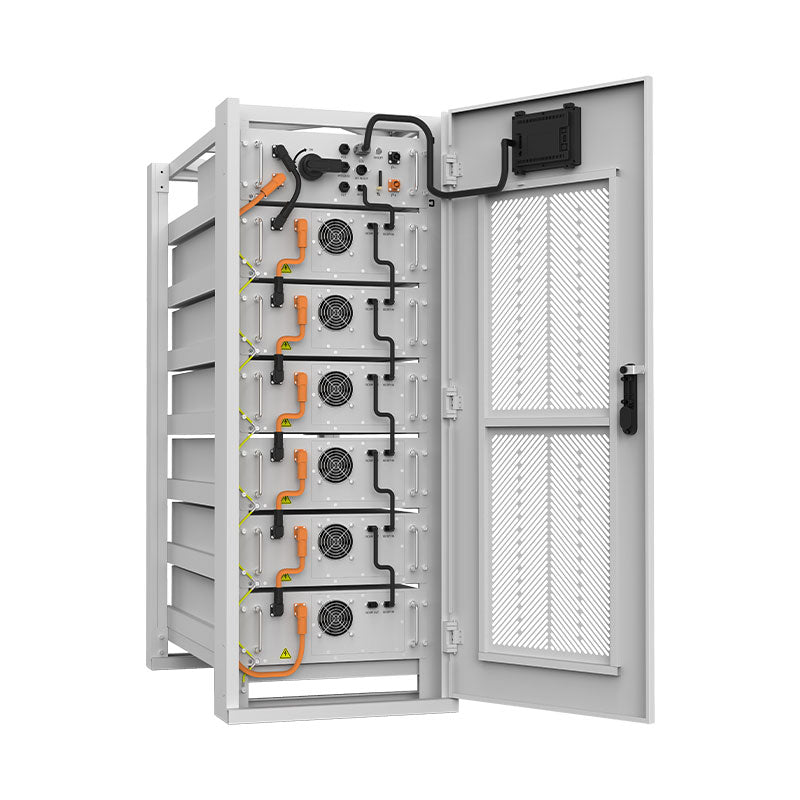
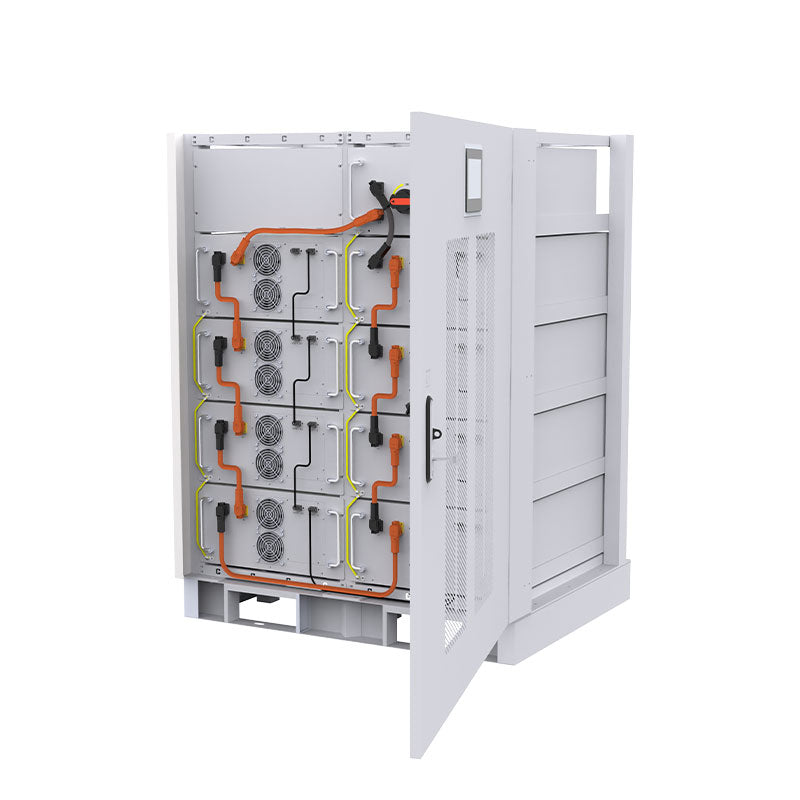

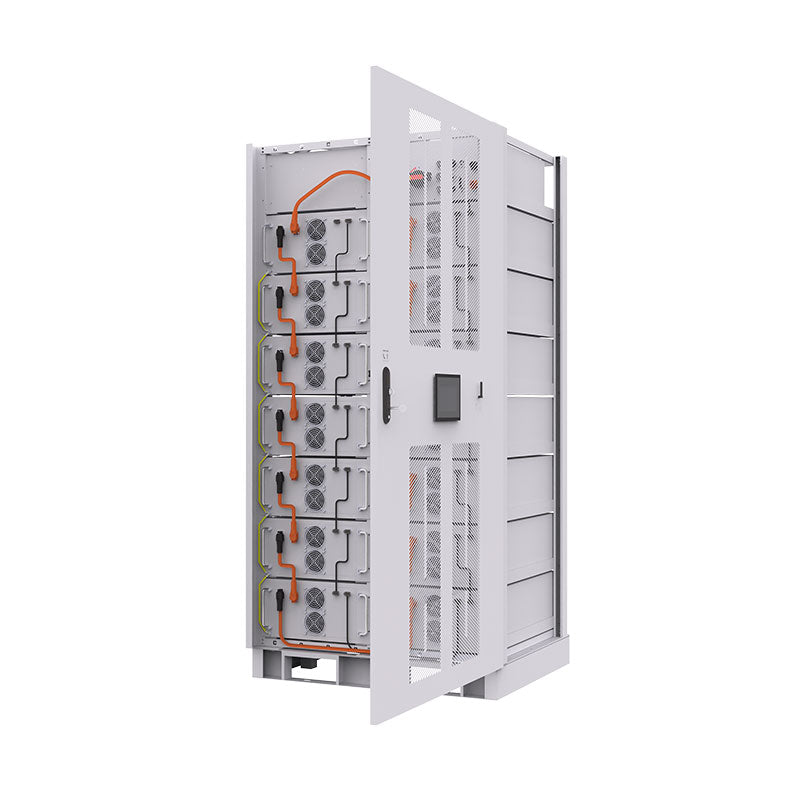
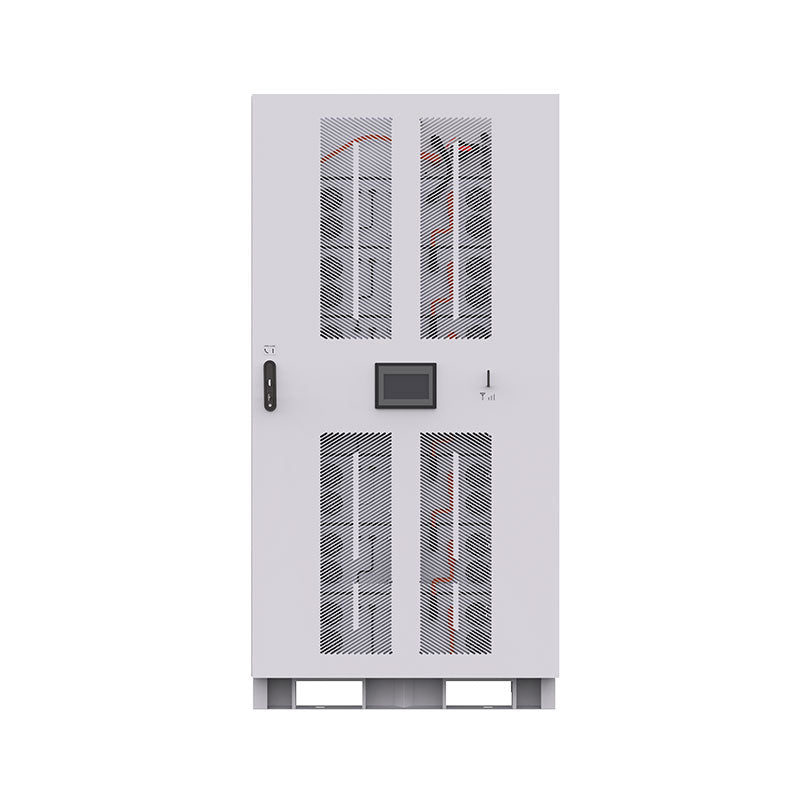


A Battery Management System (BMS) protects a LiFePO4 battery from unsafe voltage, current, and temperature conditions. When it detects a fault, it may enter protection mode and disconnect the battery output. The battery can look “dead” or show 0V at the terminals even though the cells may still hold charge.
A LiFePO4 BMS protection reset should never be treated as a shortcut. First identify why the BMS tripped, then use a safe external reset method that matches the fault and the battery manual.
Understanding BMS Protection Triggers
The BMS monitors the battery so the cells stay inside safe operating limits. If the same fault repeats after a reset, the system design or connected equipment needs review.
Common Fault Conditions
| Protection Mode | Common Cause | Initial Action |
|---|---|---|
| Over-voltage | Wrong charger profile or charger fault | Disconnect the charger and verify LiFePO4 settings. |
| Under-voltage | Deep discharge or parasitic load | Disconnect loads and prepare a compatible lithium charger. |
| Over-current | Oversized inverter load, short circuit, or surge load | Remove loads and inspect wiring before reconnecting. |
| Temperature protection | Charging too cold, overheating, or poor ventilation | Move the battery into its allowed temperature range. |
Why a Reset Becomes Necessary
The BMS works like a reusable electronic protection device. Some protection states clear automatically after the fault disappears. Others require an incoming charger signal, a rest period, or a manufacturer-specific reset process. If the battery repeatedly enters protection, review charger voltage, inverter size, wiring, temperature, and load current.
Pre-Reset Safety Checks and Preparations
Essential Safety Precautions
Work in a dry area, remove jewelry, avoid metal tools across terminals, and disconnect loads and charging sources before inspection. Do not open the battery case unless the manufacturer instructs you to do so. If you see swelling, melted wiring, burnt smell, leaking, or physical damage, stop and contact the manufacturer or a qualified technician.
Diagnosing the Root Cause
Use a multimeter to check terminal voltage. Review what happened just before shutdown: a large inverter load, a cold charge attempt, a long parasitic drain, or a charger setting change. For over-discharge cases, this related BMS over-discharge reset guide explains the common symptoms.
LiFePO4 BMS Protection Reset Procedures
Use only external reset methods recommended by the battery manufacturer. Avoid bypassing the BMS, opening the pack, or applying improvised jump-start methods.
Method 1: Automatic Reset
For over-current or temperature protection, many BMS units recover after the fault is removed and the battery rests. Disconnect the load, let the battery stabilize, and reconnect only a smaller verified load.
Method 2: Applying a Compatible Charge for Under-Voltage Protection
If the BMS entered under-voltage protection, a LiFePO4-compatible charger may wake it up. Some chargers include lithium wake-up or 0V activation functionality. If the charger does not recognize the battery, do not force repeated attempts. Contact the battery manufacturer for the approved recovery procedure.
Method 3: Clearing Over-Voltage Conditions
If over-voltage protection occurred during charging, disconnect the charger immediately and verify the charge profile. In some batteries, the BMS may reset after cell voltage settles. Do not continue using a charger that repeatedly causes over-voltage trips.
Troubleshooting Persistent BMS Protection Issues
When the Reset Fails
A failed reset usually means the BMS still detects a fault. Possible causes include a damaged cell, a charger problem, a persistent short, a load exceeding the BMS current rating, or a battery that is outside its safe temperature range. This BMS reset mistakes guide covers common user-side errors.
Seeking Professional Assistance
If the battery remains unresponsive, do not bypass protection or open the pack. Battery systems can store high energy even when terminal voltage appears low. Contact the manufacturer or a qualified technician.
Maintaining BMS Health for Long-Term Reliability
The best reset is the one you rarely need. Use a LiFePO4 charger, avoid charging below freezing unless the battery supports low-temperature charging protection, keep inverter loads within BMS limits, and prevent parasitic drains during storage. General lithium-ion battery safety guidance from the National Fire Protection Association is useful for home and workshop battery handling.
Frequently Asked Questions
Can I reset a LiFePO4 BMS without a charger?
Sometimes. Over-current and temperature trips may reset after the fault is removed. Under-voltage protection usually requires a compatible LiFePO4 charger or lithium wake-up function.
How do I know if my BMS is in protection mode?
The battery may suddenly stop output, and terminal voltage may read 0V or very low. Confirm with the battery manual because symptoms vary by model.
Will resetting the BMS damage my battery?
A correct reset should not damage the battery. Repeated resets without fixing the cause can damage cells or connected equipment.
