
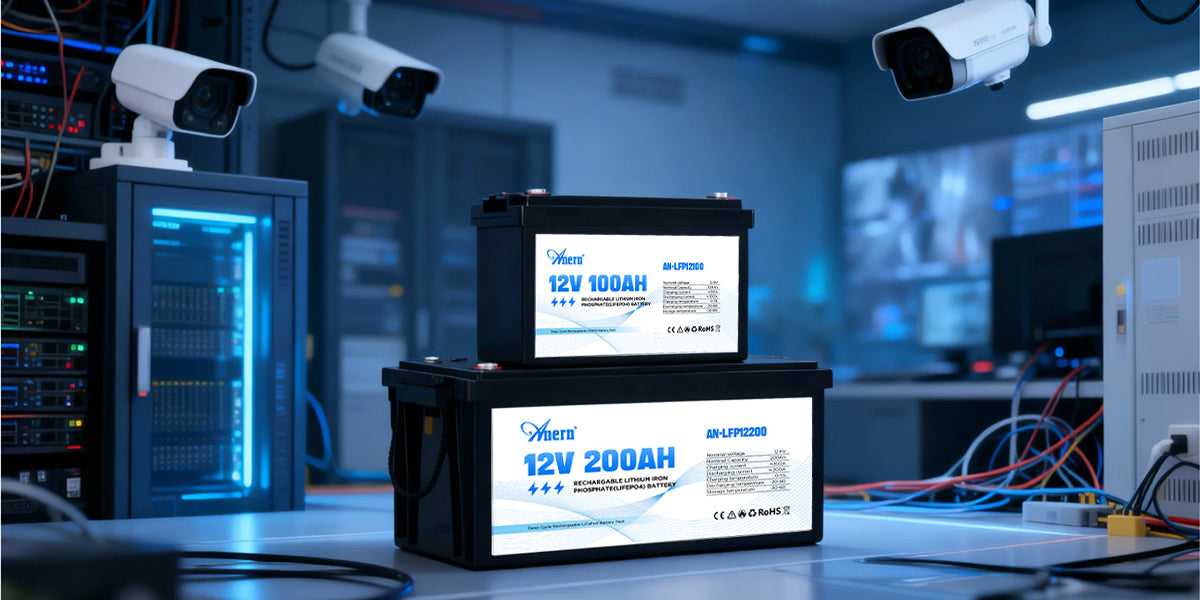
A power outage can turn a strong security setup into a silent wall ornament. Cameras may still be mounted. Signs may still be posted. Yet the recorder shuts off, the network drops, and motion alerts stop. The worst part is finding out after an incident, when there is no footage to pull. A dependable backup plan keeps the full chain alive: camera power, recording, and the network path you rely on. In many installations, 12V lithium batteries offer a practical way to keep security and surveillance running through outages with steadier voltage and simpler upkeep than traditional backup batteries.
Why Do Security Systems Fail First During Outages
Outage failures usually happen in the middle of the system, not at the camera.
Hidden Single Points of Failure
Most setups depend on several boxes that are easy to overlook:
- Modem or gateway
- Router or firewall
- PoE switch or camera power supply
- NVR or DVR and its storage
- Wi-Fi bridge or cellular router at remote sites
If one of these shuts down, the whole system can lose recording, remote viewing, or alerts. A camera can still have power and still be useless if the recorder is off. A recorder can keep running and still be hard to access if the router is down.
Power Budget Surprises With PoE
PoE cameras add another failure mode. A switch can stay on, then drop ports when its available power shrinks. Planning around PoE standards helps reduce guesswork. IEEE 802.3af (Type 1) provides up to 15.4 W at the source, with about 12.95 W guaranteed at the powered device, due to cable losses. IEEE 802.3at (Type 2, PoE+) raises that ceiling to 30 W at the source and about 25.5 W at the device.
Those values are not “typical camera draw.” They are safe upper bounds for design. Night vision, heaters, and PTZ motion can raise demand quickly.
What Should a Security System Battery Backup Power
A security system battery backup needs a clear priority order. Otherwise, you pay for runtime that protects the wrong device.
Core Loads That Preserve Evidence
Power these first:
- Recorder and storage (NVR or DVR): No recorder means no usable evidence.
- Camera power path: That can be a PoE switch, PoE injectors, or a 12V distribution box.
- Network gear: Router and modem keep remote viewing and notifications working.
If the internet typically fails during neighborhood outages, recording still matters. Local recording protects you even when remote access is down.
A Simple “Keep It Running” Checklist
This table is meant for publishing, so it avoids blanks and still tells the reader exactly what to do. Use it to confirm you are backing up the whole chain.
| Device | What To Check | Planning Notes | Why It Matters |
| Cameras | Datasheet or PoE port reading | Night IR and PTZ can raise draw | Determines total camera load |
| PoE Switch / Injectors | Adapter label plus PoE budget | PoE budget can exceed the switch’s own base draw | Prevents port dropouts |
| NVR / DVR | Adapter label or datasheet | Drives add load during write activity | Protects recording continuity |
| Router | Adapter label | Wi-Fi radios increase draw | Keeps the local network alive |
| Modem / Gateway | Adapter label | ISP outages are separate from the power backup | Enables remote access when the ISP stays up |
| Remote Bridge / Cellular Router | Adapter label | Critical for remote sites | Keeps remote visibility and alerts |
This is the fastest way to avoid a common mistake: backing up only the cameras, then losing recording because the NVR went dark.
Why Choose 12V Lithium Batteries for Surveillance Power
Backup power fails when voltage sags, maintenance slips, or the battery sits in a bad charging state for months. That is why many people move to 12V lithium batteries for surveillance system power.
Steadier Voltage Through the Discharge
Many “12V class” lithium iron phosphate packs are built as four cells in series. Battery education references commonly describe these packs as about 12.8 V nominal with a maximum charge around 14.6 V. That flatter voltage behavior can reduce nuisance resets in DC gear compared with backup batteries that droop early under load.
Better Fit for Standby Readiness
Security systems spend most of their life in standby. Lead-acid batteries often live on a float charge in alarm panels and UPS units. LiFePO4 charging behavior differs. Battery University notes that prolonged float charging on LFP can shorten battery life.
That does not mean LFP is “bad for backup.” It means the charging method needs to match the chemistry. A properly designed DC backup setup avoids leaving the pack parked at an aggressive float voltage for long periods.
Built-In Protections Support Unattended Use
Many lithium packs integrate a battery management system. BMS protection helps guard against overcharge, over-discharge, and over-current events. That matters in real installs where nobody is watching the closet every day. It also matters at remote sites, where service calls cost time and money.
How to Size 12V Lithium Batteries for Cameras and NVRs
Sizing is where systems succeed or fail. Good math prevents the “everything shuts off after 25 minutes” surprise.
Collect Real Power Numbers
Use device labels and datasheets. For PoE cameras, check the switch UI if it reports per-port draw. For planning, some industrial networking guidance puts a “typical camera” in the 5 W to 10 W range in certain applications. Treat that as a planning clue, not a promise. Your hardware decides the real number.
Write your loads as watts. If a label shows amps at a voltage, convert it.
Watts = Volts × Amps
Convert Runtime Into Watt-Hours
Energy is easier to think about in watt-hours.
- Battery energy (Wh) ≈ Battery volts × Battery amp-hours
- Required energy (Wh) ≈ Total load watts × Required hours
Then adjust for efficiency. DC-to-DC paths often waste less energy than running an inverter and then feeding AC adapters.
A practical planning factor helps:
Usable energy = Battery Wh × efficiency factor
The efficiency factor depends on your conversion path. It also depends on temperature.
Use a Runtime Worksheet That Matches Real Installs
Fill this in once. You can reuse it every time you add cameras.
| Load Group | Count | Watts Each | Subtotal Watts |
| Cameras | 6 | 7 W | 42 W |
| PoE Switch / Injectors | 1 | 10 W | 10 W |
| NVR / DVR | 1 | 40 W | 40 W |
| Router + Modem | 1 | 18 W | 18 W |
| Remote Bridge / Cellular | 0 | 0 W | 0 W |
| Total | 110 W |
Table values are an example for planning. Replace them with your device label ratings or PoE switch power readings.
Now pick your outage target, then compute the required battery energy:
Required Wh = Total W × Hours
Finally, translate Wh back to battery capacity:
Required Ah ≈ Required Wh ÷ Battery volts
A 12V-class LiFePO4 pack is commonly treated as 12.8 V nominal for energy math.
Add Headroom for Night Mode and Growth
Cameras draw more power at night when IR LEDs turn on. PTZ motion can raise peaks, too. Future expansion is also common. Add a margin so the backup still works after the next two camera additions.
If you are building a 12V battery for remote surveillance with solar, daily energy matters even more. Use the same watt-hour math, then compare your daily load to your daily solar input. A system that balances daily energy stays stable without frequent site visits.
UPS for Security Cameras or 12V Battery Backup
The cleanest option depends on how your gear is powered.
When a UPS Makes Life Easier
A UPS is often the simplest route when your recorder and network gear are AC-only. You plug them in, and you get automatic switchover. UL 1778 is the primary safety standard for uninterruptible power systems, covering UPS equipment intended to ensure continuity of an AC power source.
UPS design also varies. Many industry references group UPS systems into standby (offline), line-interactive, and online double-conversion topologies. Online units can provide tighter power conditioning, while other designs can be a better match for cost and runtime goals.
If your setup needs UPS for security cameras because cameras rely on AC power bricks or an AC-powered PoE switch, a UPS can be a strong fit.
When 12V Backup Fits Better
A battery-first approach fits well when key loads accept DC input or when you can keep conversions minimal. That is where 12V lithium batteries are often compelling:
- Long runtime without stacking multiple UPS units
- A modular path to add capacity later
- Less dependence on AC conversion for DC loads
A hybrid setup is common in professional installs. Put a UPS on the network core and put a DC backup on the camera and recorder loads that support it. It reduces wasted energy and can improve uptime.
Power Security Cameras Confidently With 12V Lithium Batteries
A reliable outage plan keeps the full system alive, not a single box. List the loads that protect evidence and response. Verify their wattage from labels or the PoE switch interface. Size the runtime in watt-hours, then choose a backup path that matches your power architecture. 12V lithium batteries can be a strong backbone for security and surveillance because 12V-class LiFePO4 packs offer a stable nominal voltage and do not rely on long-term float charging in the same way lead-acid systems do. Once the backup is installed, test it under load. Repeat after any upgrade. That one habit is often the difference between “we thought we had backup” and “we kept recording through the outage.”
FAQs
Q1. How does cold weather affect 12V lithium batteries in outdoor camera boxes?
Cold reduces available capacity and can limit charging. Look for low temperature charge protection and plan extra margin for winter nights. Use an insulated enclosure if possible, and keep ventilation for electronics’ heat. Confirm the battery’s operating range on its datasheet.
Q2. What kind of charger should you use for a 12V LiFePO4 backup battery?
Use a charger designed for LiFePO4 with the correct voltage profile and current limit. Avoid “universal” automotive chargers that may use an unsuitable mode. Match charger output to battery capacity, and choose a unit with stable regulation for standby systems.
Q3. Do you need a low-voltage disconnect for DC-powered security equipment?
Many devices reboot or behave erratically under low voltage. A low-voltage disconnect can prevent repeated brownout cycling and protect battery health. Choose a cutoff that fits your battery chemistry and equipment tolerance, then test recovery behavior after reconnection.
Q4. How do you protect a security battery backup from surges and lightning?
Use surge protection at the service panel and at vulnerable entry points like outdoor Ethernet runs. For long cable routes, add proper grounding and consider Ethernet surge protectors. Keep power and data cables separated where feasible, and follow local electrical codes for bonding.
Q5. How often should you test a security system’s battery backup?
Do a brief monthly check to confirm charging status and alert paths. Run a controlled outage test every 3 to 6 months to verify actual runtime and device behavior. Retest after adding cameras, changing network gear, or relocating equipment to a different environment.
