


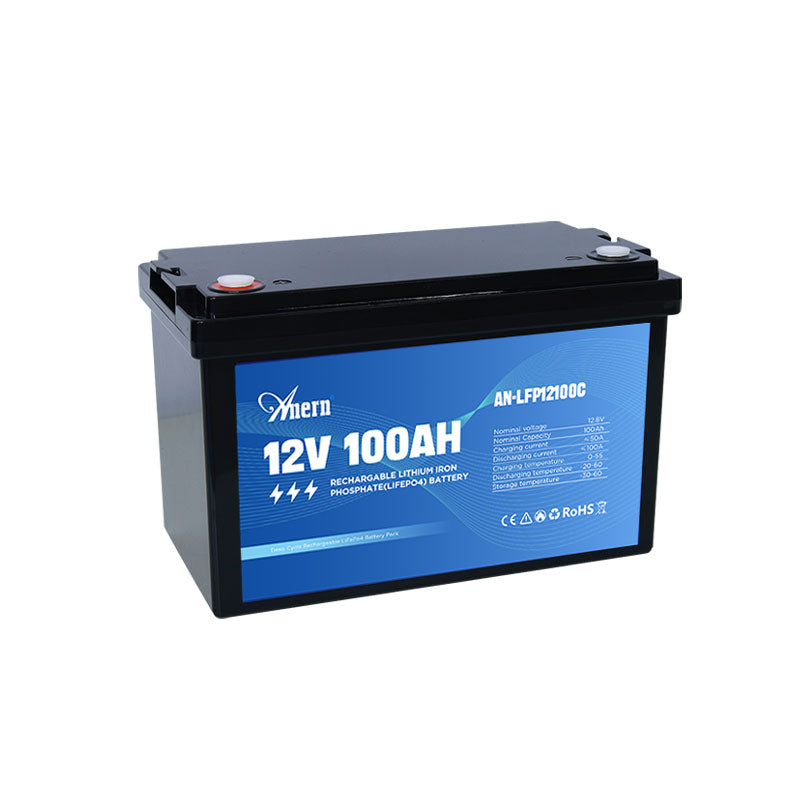
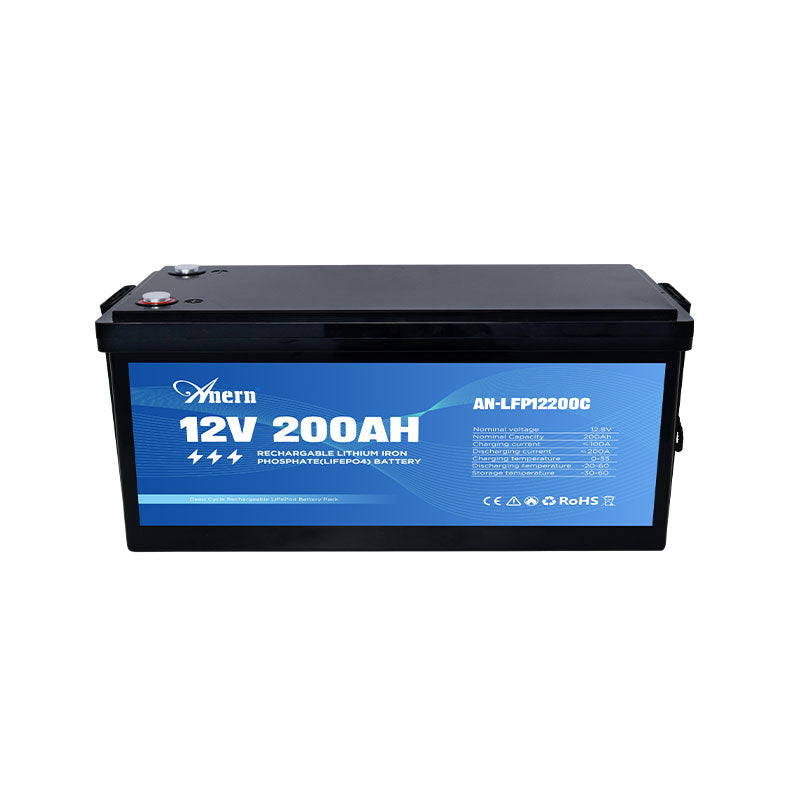
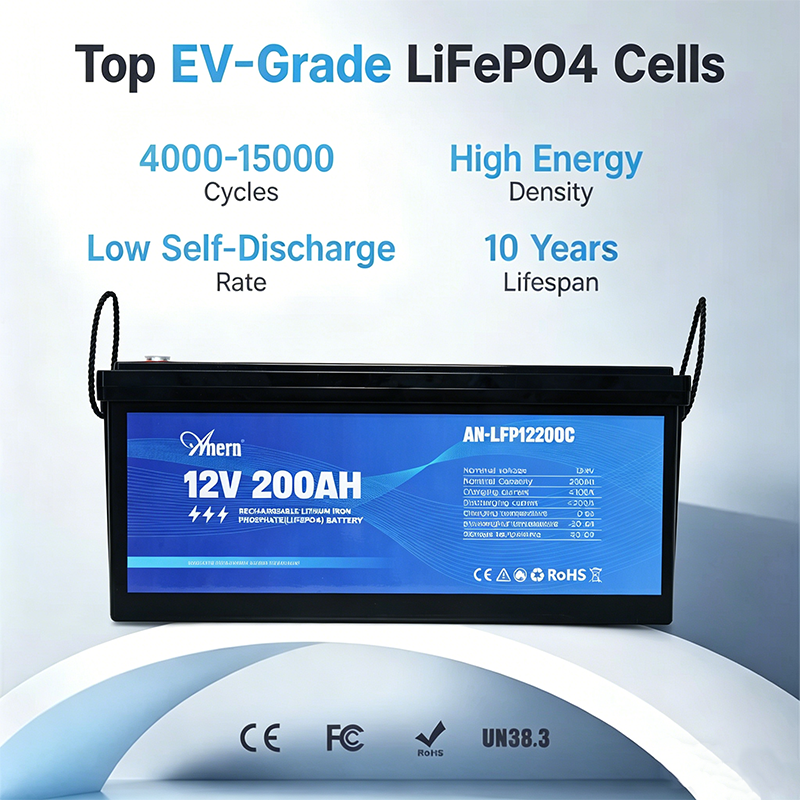



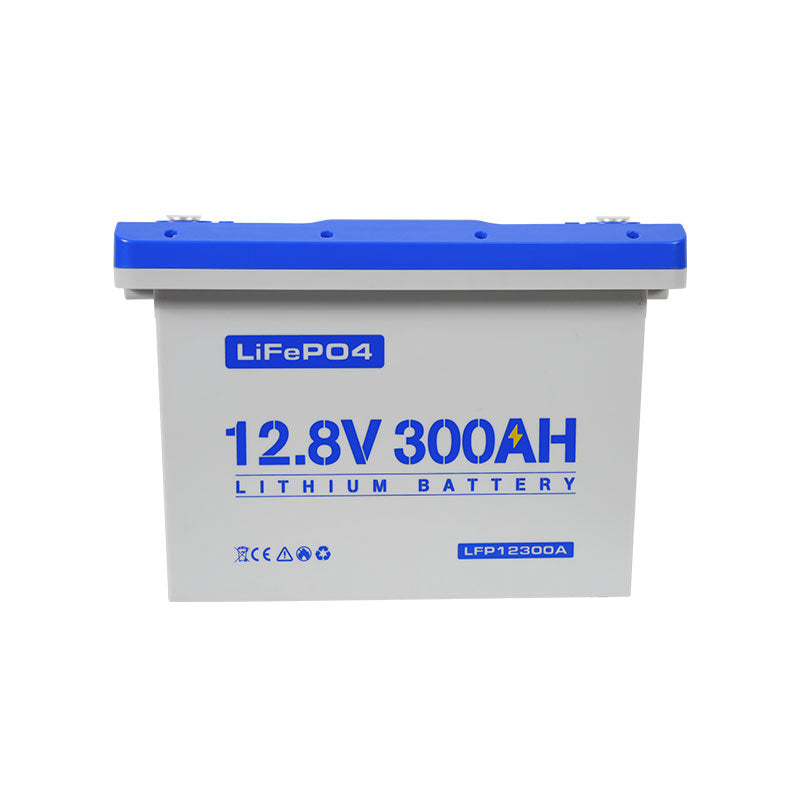
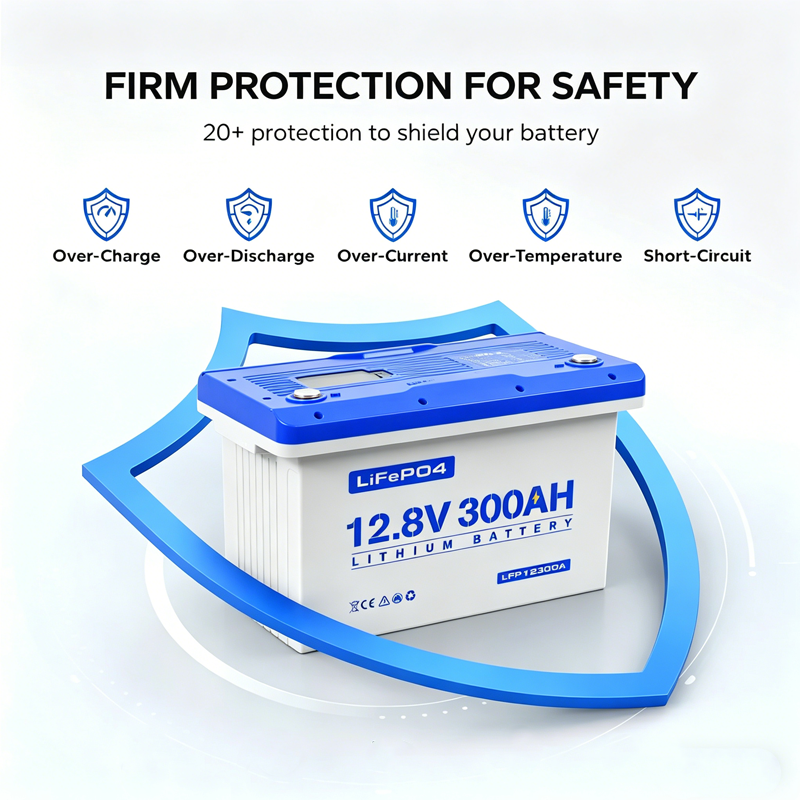

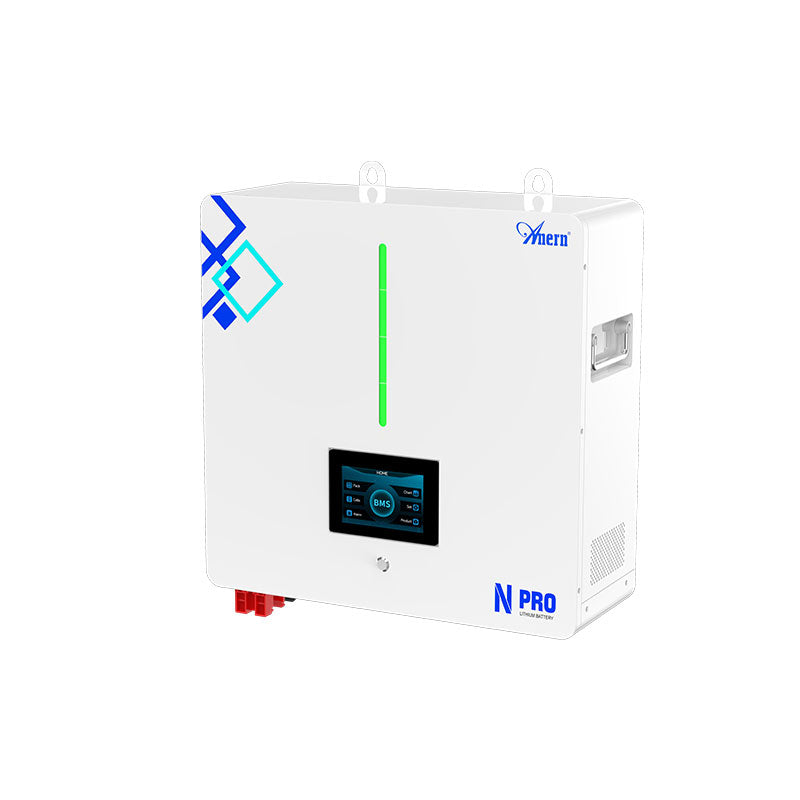



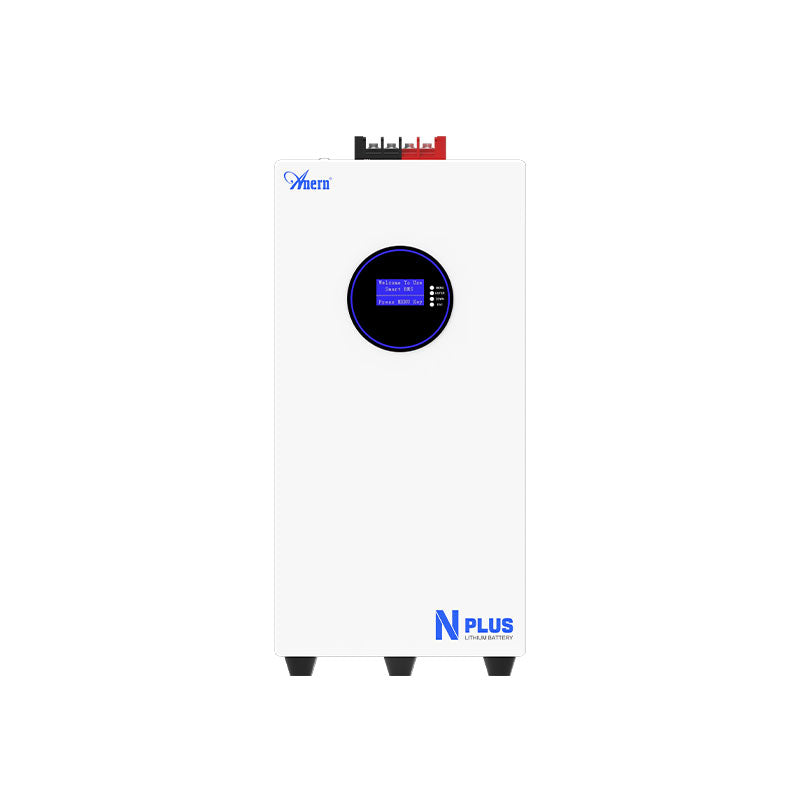
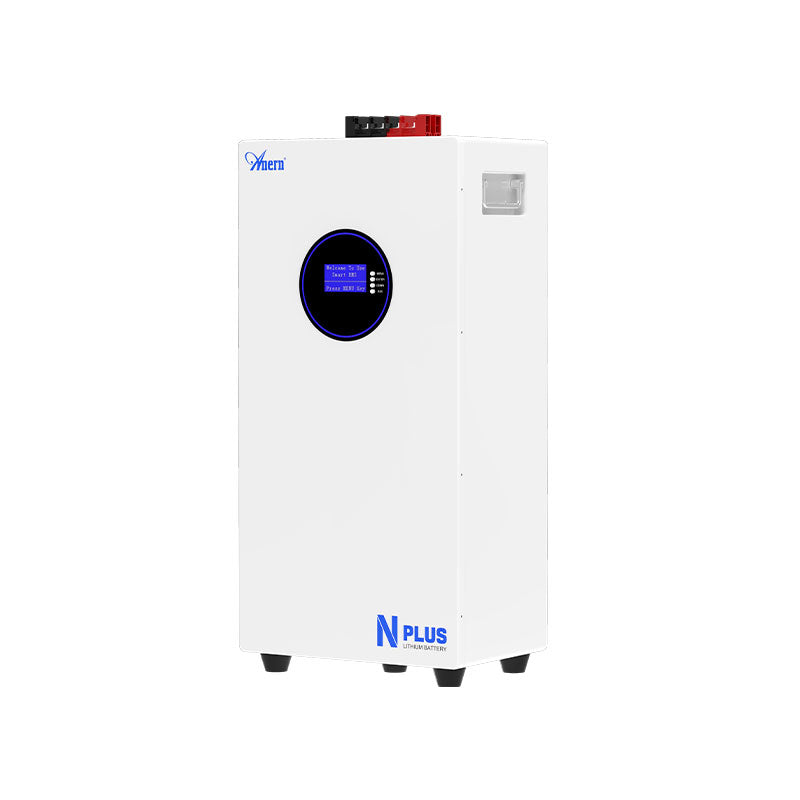
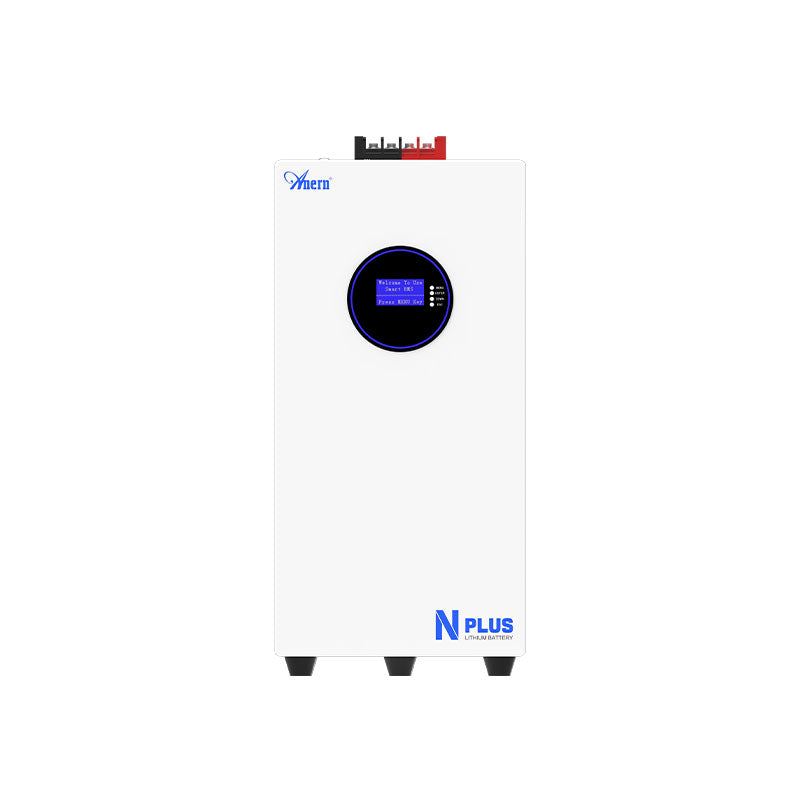
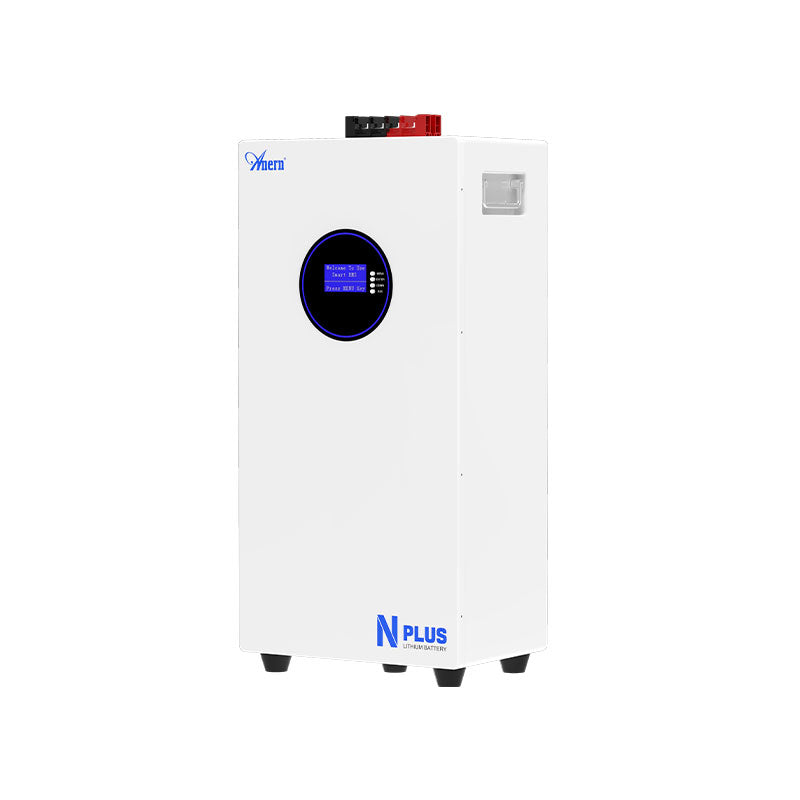
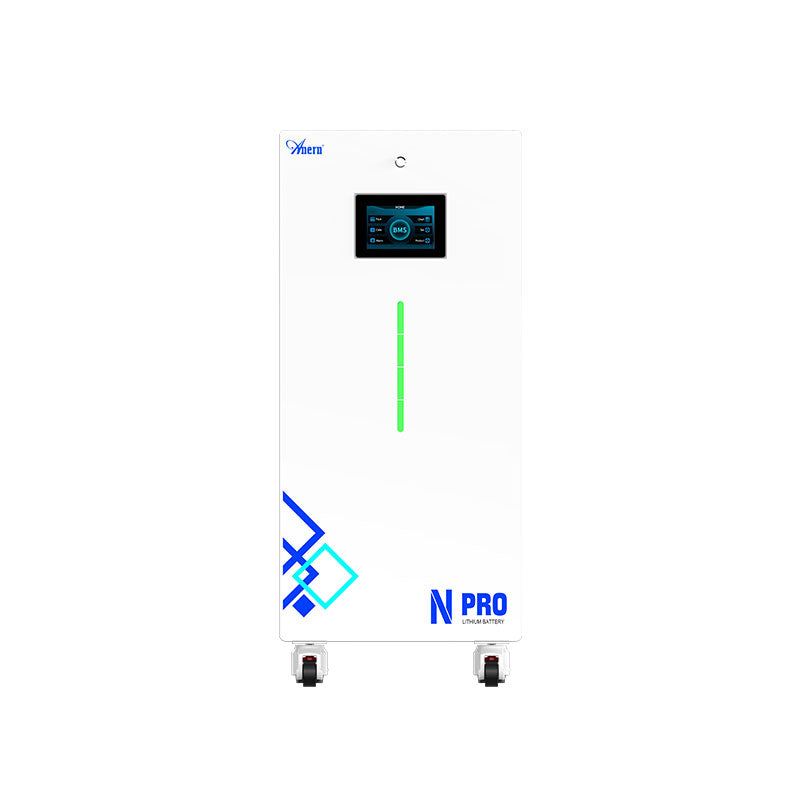

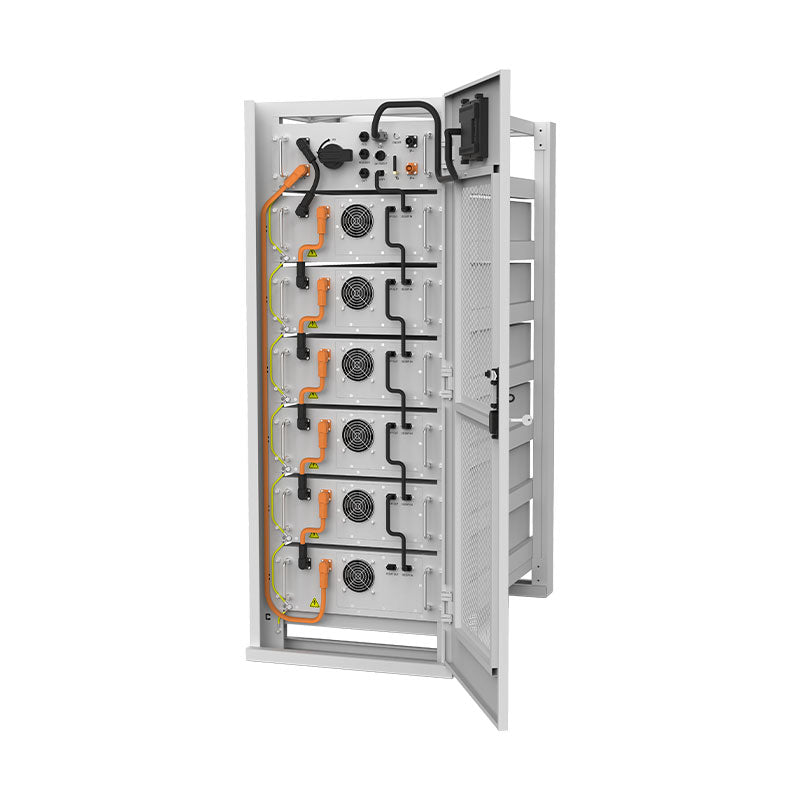
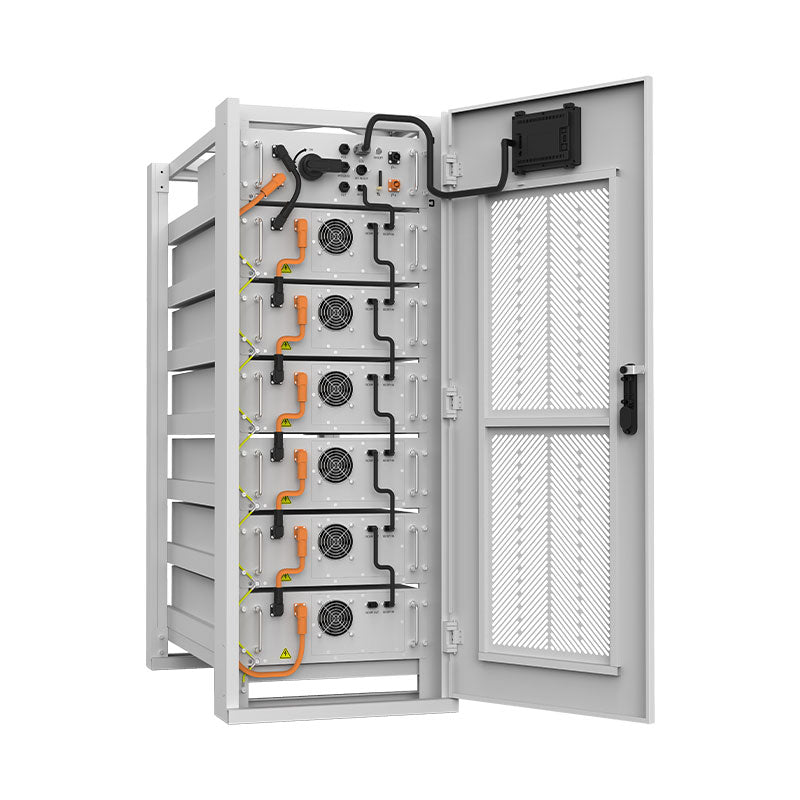
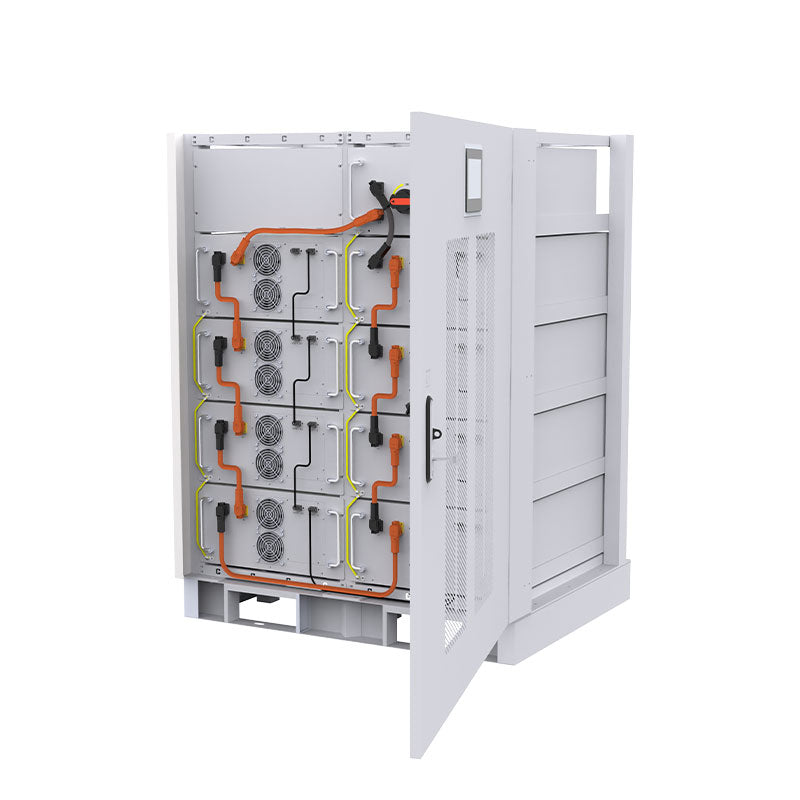



When a battery suddenly stops delivering power, the Battery Management System may have entered protection mode. This is usually a safety response, not proof that the battery has failed. The correct response is to identify the trigger, remove the unsafe condition, and follow the battery manufacturer's reset guidance.
Why Your BMS Enters Protection Mode
A BMS protects battery cells from operating outside safe limits. It monitors cell voltage, pack current, temperature, and sometimes communication with chargers or inverters.
Common Triggers for BMS Lockout
- Over-voltage: The charger or controller pushes cell voltage too high.
- Under-voltage: Loads drain the pack below its safe range.
- Over-current: A load, inverter surge, or short circuit exceeds the BMS rating.
- Temperature extremes: The battery is too hot, or charging is attempted below the allowed temperature.
Is a Tripped BMS a Sign of a Bad Battery?
Not necessarily. A tripped BMS often means the protection system is working. The concern is the cause. If the BMS trips repeatedly, the charger settings, load size, wiring, or environment should be corrected. For LiFePO4 systems, this LiFePO4 BMS protection reset guide gives chemistry-specific context.
Step-by-Step Guide to Resetting Your BMS
The steps below stay outside the battery case. Do not bypass the BMS or disassemble the battery unless the manufacturer specifically instructs trained personnel to do so.
Pre-Reset Safety Checks
- Disconnect all loads and charging sources.
- Inspect for heat, odor, swelling, damaged cables, corrosion, or loose terminals.
- Measure terminal voltage with a multimeter.
- Check charger profile, inverter size, recent load changes, and battery temperature.
If there is physical damage or evidence of overheating, stop using the battery and contact support.
Methods for BMS Protection Reset
Automatic reset: Some BMS designs reset after the load is removed, the battery cools, or temperature returns to the allowed range.
Charger wake-up: Under-voltage protection often requires a compatible LiFePO4 charger. A charger with lithium wake-up or 0V activation may be needed for some deeply protected packs.
Manual reset: Some systems have a reset button or app command. Follow the battery manual. Do not invent a reset sequence from unrelated battery models.
Troubleshooting and Advanced Scenarios
What If the BMS Will Not Reset?
Persistent protection can indicate a real fault: a short circuit, wrong charger, damaged cell, failed BMS, or battery outside its safe temperature range. Repeatedly trying to wake the battery without diagnosis can worsen the issue.
A Word of Caution on Bypassing BMS Protection
Do not bypass the BMS for normal use. The BMS is the primary protection against overcharge, over-discharge, over-current, and unsafe temperature. Bypassing it can create fire, shock, and equipment damage risks. General home battery safety guidance from the National Fire Protection Association is a useful reference.
BMS in Integrated Energy Storage Systems
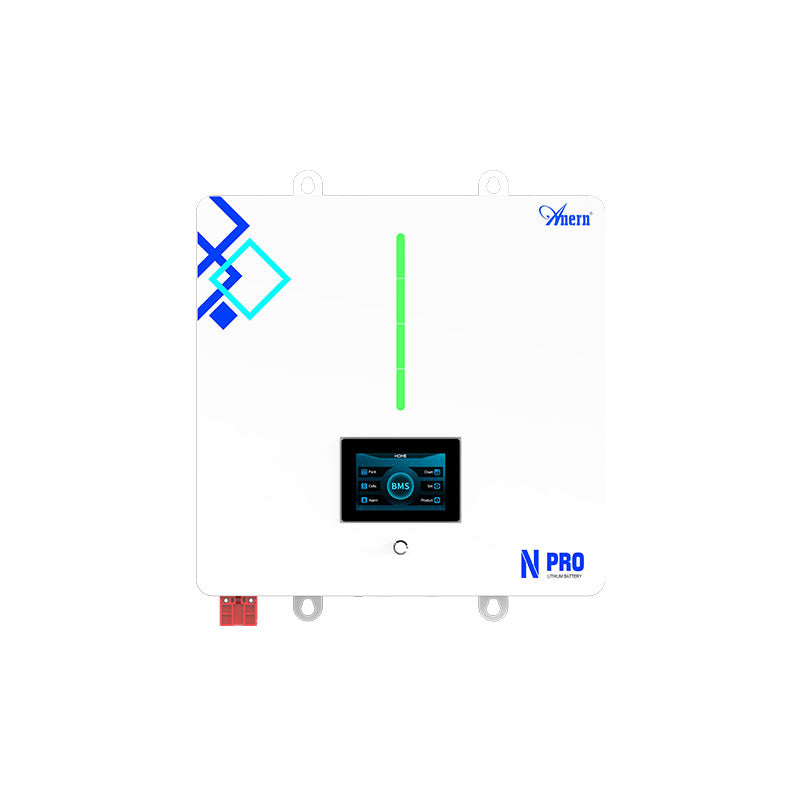
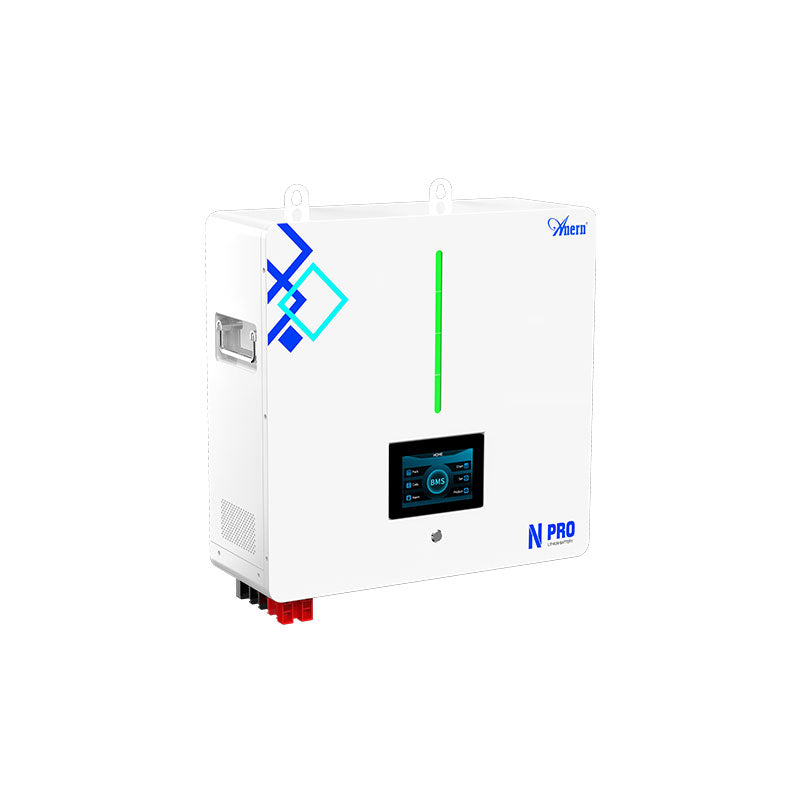
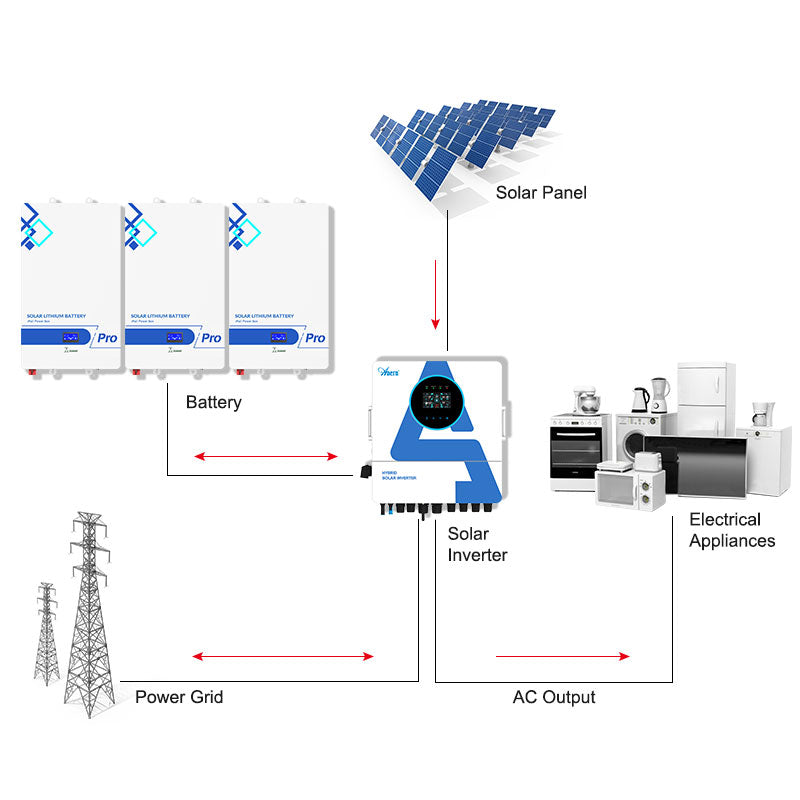
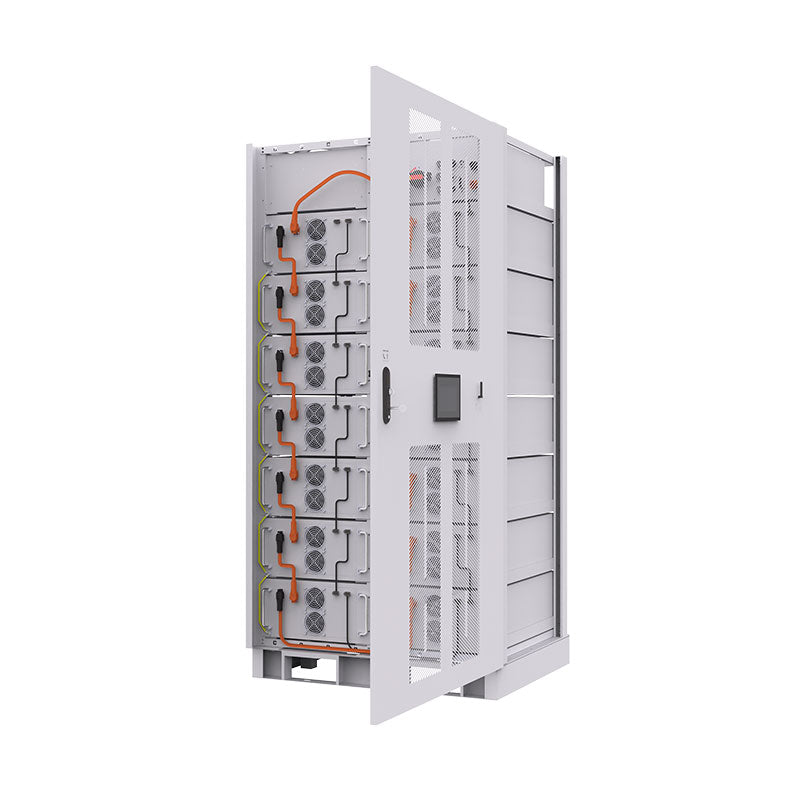
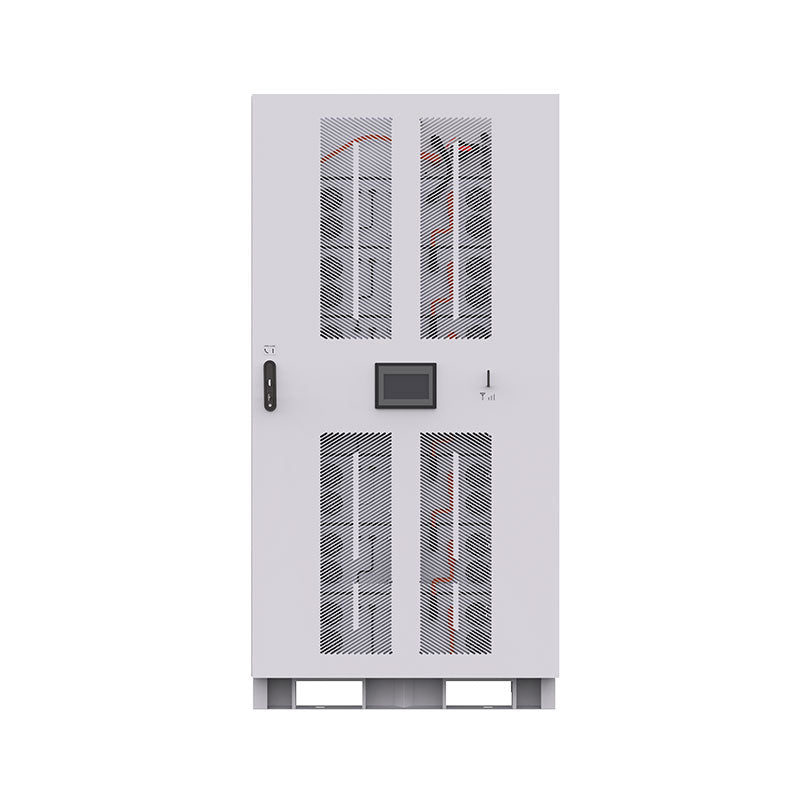
In an integrated ESS, the BMS may communicate with the inverter or charge controller. Resetting the battery may require system-level steps such as shutting down the inverter, waiting for discharge capacitors to settle, and restarting in the correct order. Follow the ESS manual and use a qualified technician when grid wiring or high-power equipment is involved.
The Bigger Picture: System Health and Performance
A BMS reset solves an immediate lockout, but system reliability comes from correct design. Keep charging voltage within the battery specification, avoid cold charging, size inverter loads within BMS limits, and prevent deep storage discharge. This solar storage performance guide explains the metrics that affect long-term battery behavior.
Your Path to Reliable Energy Independence
A tripped BMS is a signal to slow down and diagnose. Remove the fault, use only approved reset methods, and treat repeated trips as a system issue rather than an annoyance. That approach protects the battery and keeps your off-grid or backup power system dependable.
