









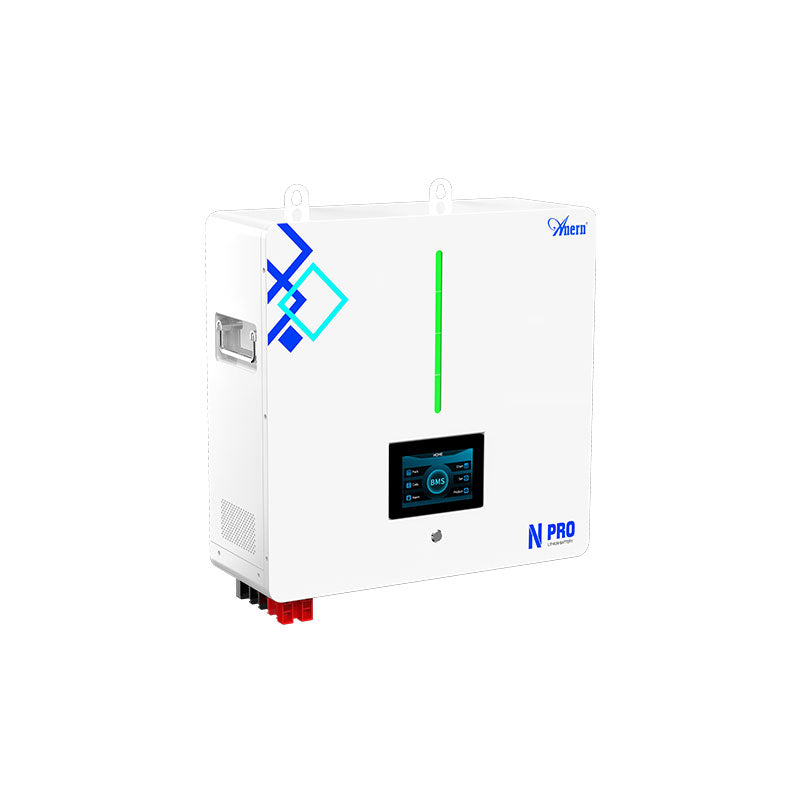
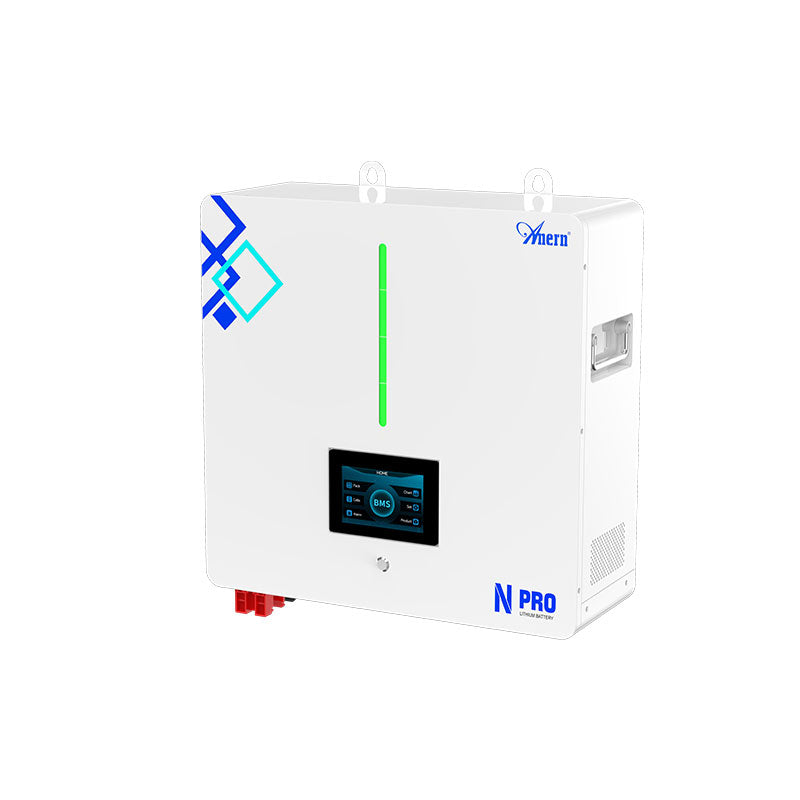

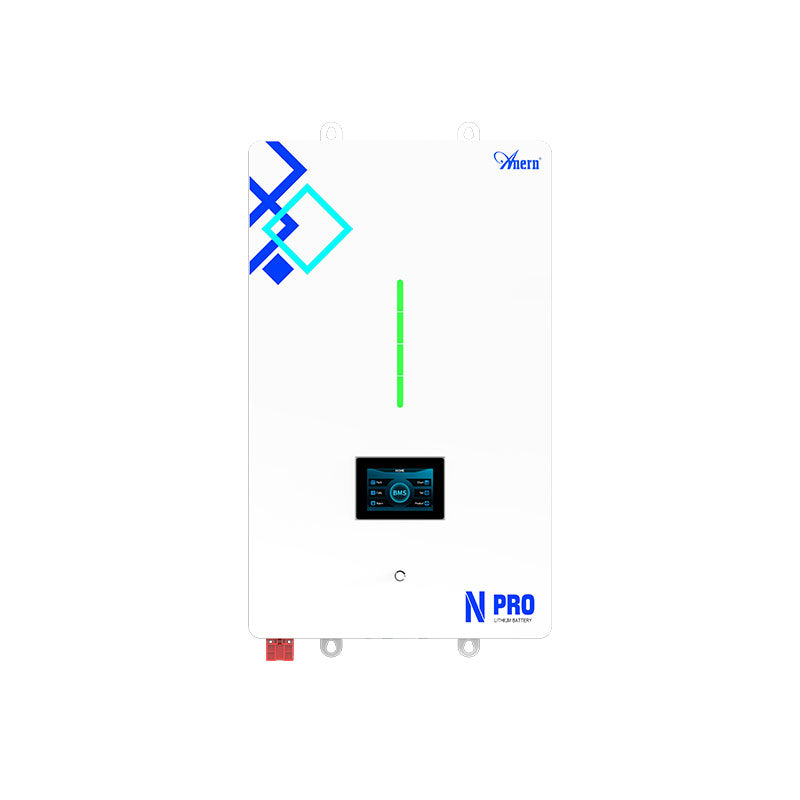



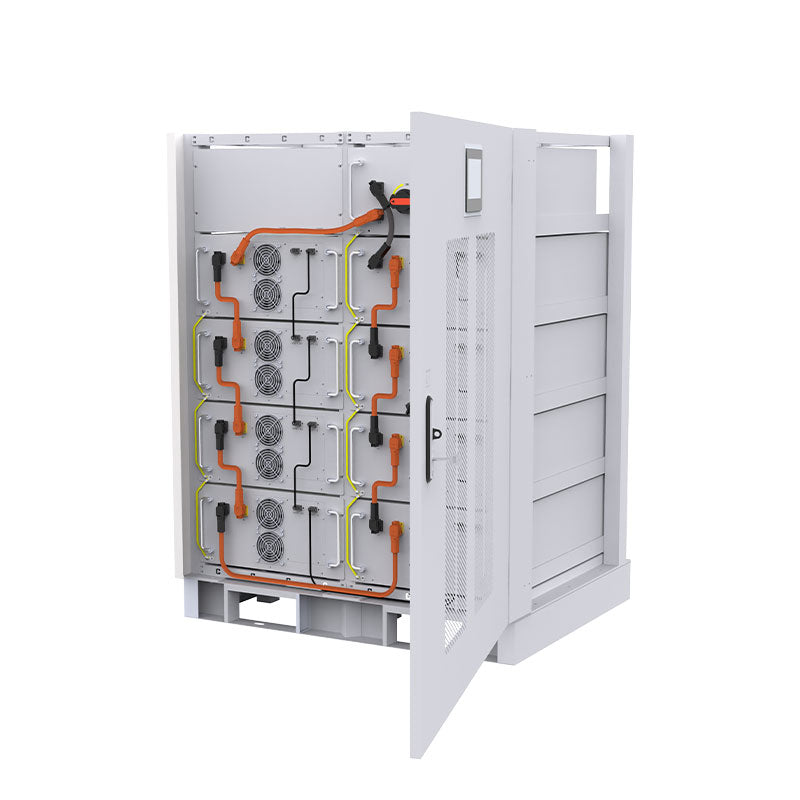

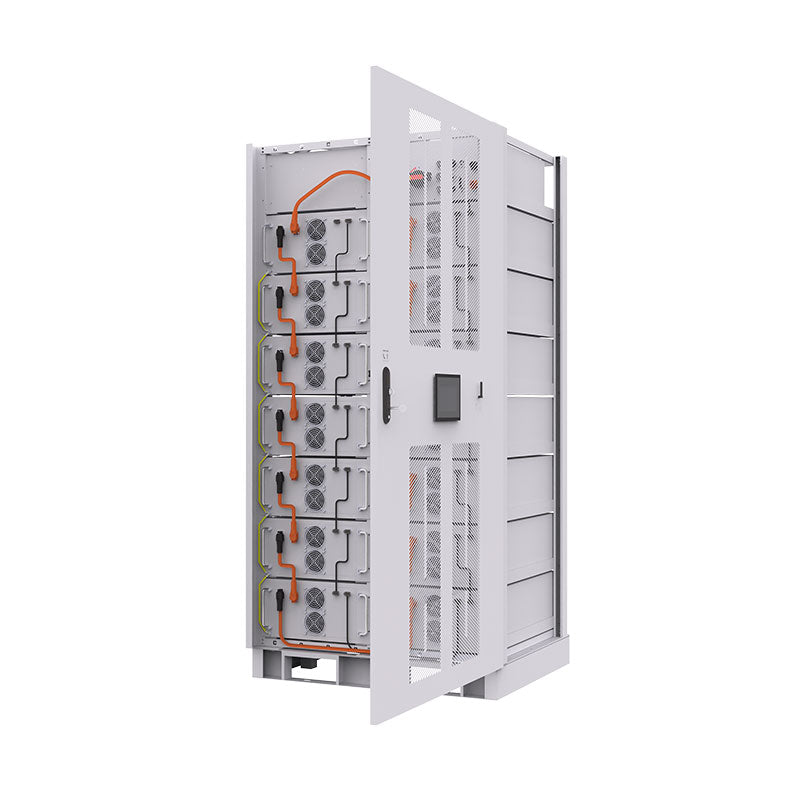
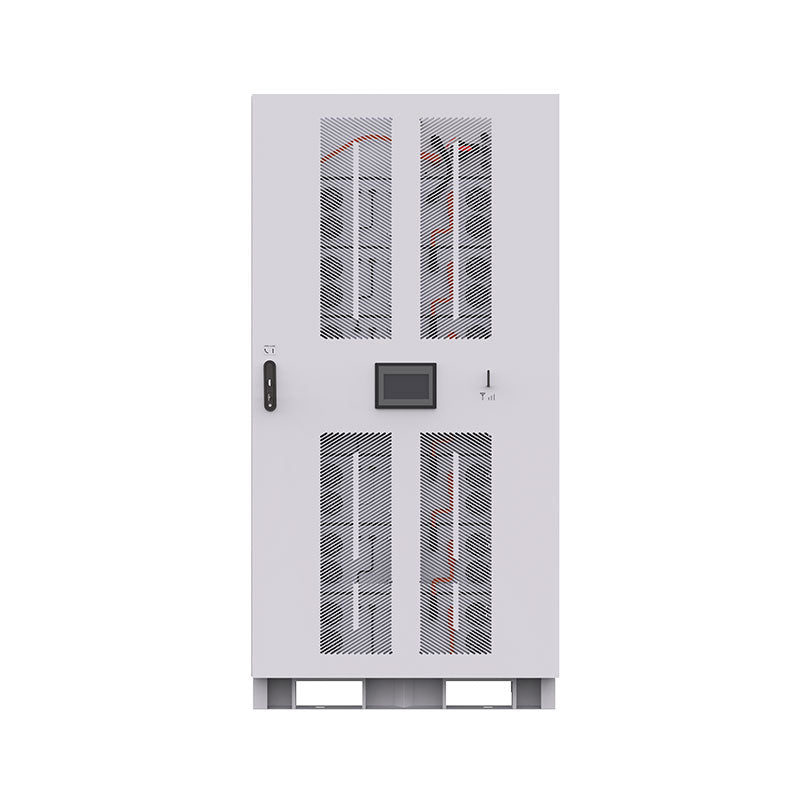


When your energy storage system suddenly stops working, it can be frustrating. Often, the issue isn't the battery cells themselves but the Battery Management System (BMS) entering protection mode. The BMS is the brain of your battery, and resetting it can often resolve the problem. But there are two distinct methods: a soft reset and a hard reset. Understanding the difference is key to safely getting your system back online without causing damage.
Practical Check Before You Size or Buy
Before applying the recommendations below, confirm the system voltage, expected daily energy use, continuous load, and any short startup surge. For related Anern references, compare LiFePO4 BMS protection reset guide, battery management system reset guide, BMS protection mode reset guide, NFPA electrical safety resources. These resources help keep the advice tied to real battery, inverter, and solar-system decisions rather than generic theory.
Safety Note on BMS Reset Advice
A BMS reset should be treated as troubleshooting, not routine maintenance. Start with the least invasive steps: remove the load, connect a compatible lithium charger, and let the battery rest if the manual recommends it. If the battery remains at 0V, smells unusual, is swollen, becomes hot, or repeatedly trips protection, stop using it and contact the manufacturer or a qualified technician. Avoid opening sealed batteries unless the product documentation specifically allows it.
Understanding the Role of Your Battery Management System (BMS)
Before attempting any reset, it's important to appreciate what the BMS does. It's a vital electronic component that ensures the safety, longevity, and performance of your battery pack, particularly for LiFePO4 batteries.
The Guardian of Your Battery
A BMS constantly monitors critical parameters like voltage, current, and temperature for each cell in the battery pack. Its primary functions are to protect against:
- Overcharging: Prevents cell voltage from exceeding safe limits (e.g., 3.65V for LiFePO4 cells).
- Over-discharging: Stops the battery from being drained below a critical voltage (e.g., 2.4V), which could cause permanent damage.
- Over-current: Protects against dangerously high currents during charging or discharging.
- High and Low Temperatures: Ensures the battery operates within a safe temperature range to prevent degradation or hazards.
- Short Circuits: Quickly disconnects the battery to prevent serious damage.
Why a BMS Enters Protection Mode
A BMS will enter protection mode and shut down the battery when any of the monitored parameters go outside their predefined safe limits. This is a safety feature, not a malfunction. Common triggers include a low-voltage cutoff event, a sudden current surge from an appliance, or exposure to extreme temperatures. The goal of a reset is to clear this protective state once the underlying issue has been resolved.
What is a BMS Soft Reset?
A BMS soft reset is the simplest and least invasive method to bring a battery out of protection mode. Think of it as restarting your computer to fix a minor software glitch.
The Simple Reboot for Minor Glitches
A soft reset typically involves a simple power cycle without physically disconnecting the core components. It's designed to clear temporary faults or communication errors within the BMS's logic. This should always be your first troubleshooting step when you suspect the BMS is in protection mode.
When to Perform a Soft Reset
A soft reset is appropriate for non-critical, transient events. Consider performing one if:
- The battery shut down due to a low-voltage event and has since been connected to a charger.
- You experience a temporary communication error with your monitoring equipment.
- The BMS shows a fault code that doesn't correspond to a persistent hardware issue.
How to Perform a BMS Soft Reset
The procedure can vary slightly between manufacturers, but it generally follows these steps:
- Disconnect all loads from the battery.
- Connect a compatible charger to the battery. Often, the voltage from the charger is enough to 'wake up' the BMS and reset its protection state.
- If charging alone doesn't work, disconnect the charger and let the battery rest for 5-10 minutes before reconnecting the charger.
- Once the BMS is active, you can reconnect your loads.
What is a BMS Hard Reset?
A BMS hard reset is a more forceful procedure that involves fully power-cycling the BMS by disconnecting it from its power source—the battery cells themselves. This is a more involved step and should only be performed after a soft reset has failed.
The Comprehensive Solution for Persistent Issues
A hard reset forces the BMS's internal memory and processors to completely restart. This can clear more stubborn or 'latched' error states that a simple power cycle (soft reset) cannot resolve. However, it also carries more risk if not performed correctly. Forcibly clearing an error without addressing the root cause can mask a serious problem.
When a Hard Reset is Necessary
Reserve a hard reset for situations where the BMS is completely unresponsive or stuck in protection mode, even after the fault condition has been corrected. This might occur:
- If the BMS does not wake up after connecting a charger (soft reset fails).
- After replacing a cell or performing other significant maintenance on the battery pack.
- If the BMS is displaying erratic behavior or false readings that persist after a soft reset.
How to Approach a Possible Hard Reset Safely
Because sealed lithium batteries vary by design, a hard reset should follow the manufacturer's documentation rather than a generic teardown procedure. Disconnect loads, use the correct charger, record any fault codes, and stop if the pack remains unresponsive. Opening a battery case, unplugging balance leads, or bypassing protection can create short-circuit and warranty risks, so those steps are best left to qualified service support.
Comparing Soft Reset vs. Hard Reset
Choosing the right method depends on the situation. Here’s a simple comparison:
| Feature | BMS Soft Reset | BMS Hard Reset |
|---|---|---|
| Purpose | Clear minor, transient faults | Resolve persistent errors or unresponsive BMS |
| Procedure | Connect a charger or power cycle loads | Physically disconnect BMS from battery cells |
| Complexity | Simple and quick | More complex, may require opening casing |
| Risk Level | Very low | Moderate; risk of short circuits or damage if done incorrectly |
| Common Scenarios | Low-voltage cutoff, temporary overload | Unresponsive BMS, post-cell replacement |
Best Practices for BMS Maintenance and Resetting
A reset should be a troubleshooting tool, not a routine task. The best approach is to prevent the BMS from entering protection mode in the first place.
Prevention is Key
Properly managing your energy storage system is crucial. The U.S. Department of Energy emphasizes the importance of safety and reliability in energy storage systems, which starts with correct operation. Avoid deep discharging your batteries, ensure your charging parameters are set correctly, and operate the system within its specified temperature range. As the U.S. Environmental Protection Agency (EPA) notes, proper installation and design are key proactive safety measures.
Consult Your Manual
Every BMS is different. Some advanced models may have a dedicated physical reset button or a software-based reset option. Your manufacturer's manual is the definitive source for the correct procedure for your specific equipment.
The Impact on Battery Performance
A healthy BMS is fundamental to a high-performing energy storage system. As detailed in a comprehensive guide on solar storage performance, factors like depth of discharge and cycle life are directly protected by the BMS. A well-maintained BMS ensures you get the maximum value and lifespan from your investment.
A Final Perspective on Battery Health
Understanding how to perform a BMS soft reset and a hard reset empowers you to manage your energy storage system effectively. Always start with the simplest, safest option—the soft reset. Only proceed to a hard reset if necessary and with a clear understanding of the steps and risks involved. Ultimately, the goal is to support the longevity of your battery. As the International Energy Agency highlights in its report, *The Role of Critical Minerals in Clean Energy Transitions*, optimizing the lifecycle of batteries is essential for a sustainable energy future, and proper BMS management is a cornerstone of that effort. With the rapid growth in battery storage capacity, as tracked by the U.S. Energy Information Administration (EIA), reliable operation is more important than ever.
Disclaimer: The information provided is for educational purposes only and does not constitute professional electrical or financial advice. Consult with a qualified professional before performing maintenance on your energy storage system.
Frequently Asked Questions
Can a BMS reset fix a dead battery?
A reset can restore functionality if the battery is not 'dead' but simply in a protective shutdown state due to the BMS. If the battery cells themselves are damaged, depleted beyond recovery, or have reached the end of their life, a reset will not fix them.
How often should I reset my BMS?
You should only reset your BMS when it is necessary to resolve a specific problem, such as being stuck in protection mode. It is not a routine maintenance procedure. Some systems may benefit from a full charge cycle periodically to recalibrate the state-of-charge reading, which can sometimes be mistaken for a 'reset'.
Is a BMS hard reset dangerous?
It can be if not performed with care. The primary risks involve creating a short circuit while disconnecting or reconnecting wires, which can damage the BMS or the battery cells. Always disconnect all external power sources and follow a methodical, step-by-step process as outlined in your product manual.
